128kbps: Podcasts and Talk
About 1 MB per minute, or roughly 58 MB for an hour-long episode. Voices stay crisp, so this is the setting for true-crime podcasts, sermons, lectures and audiobook chapters on a phone that is short on storage.
MP3 at 128, 192 or 320kbps
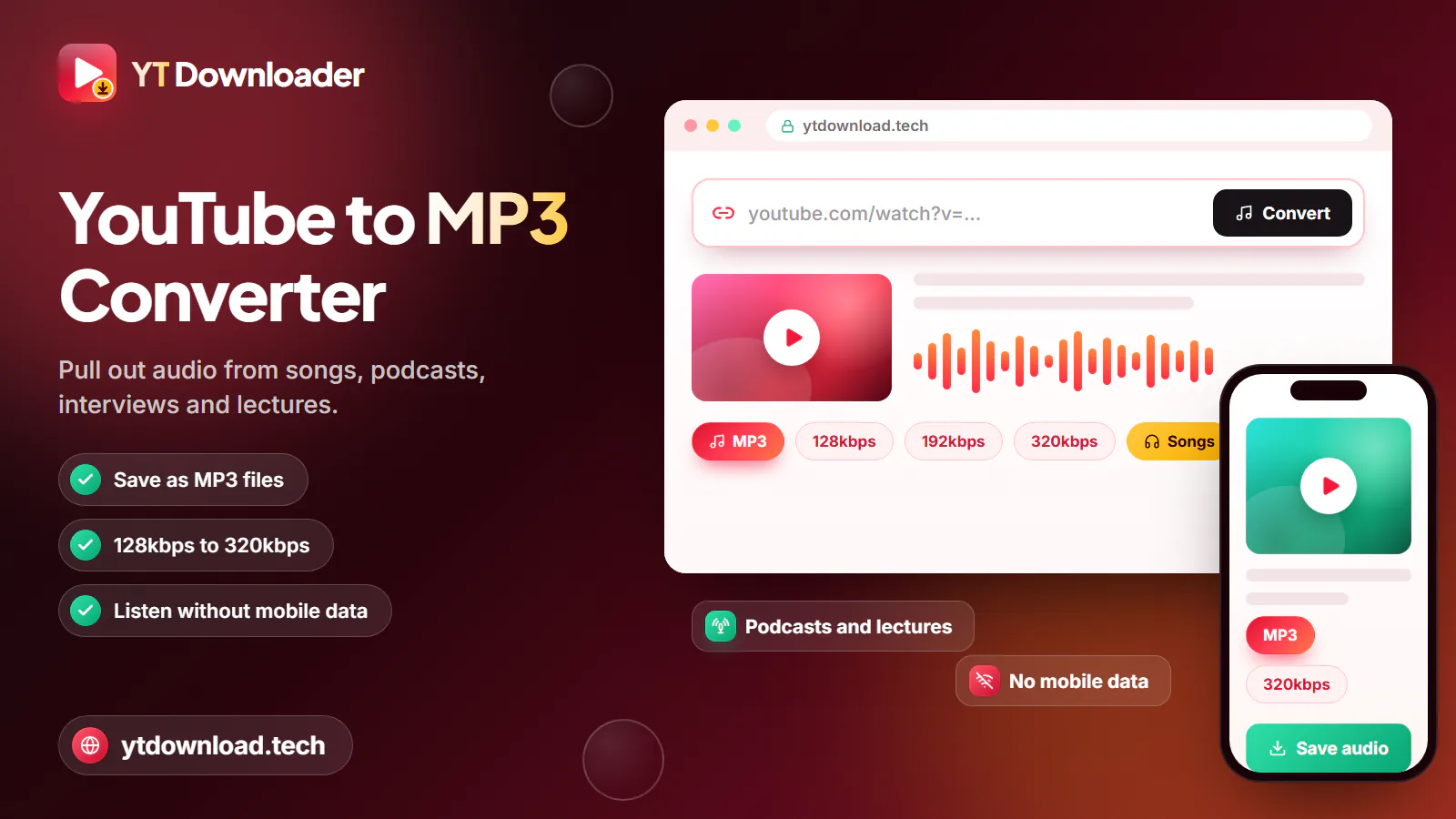
To save a YouTube video as MP3, copy the video link, paste it into the box at the top of this page, pick MP3 and a bitrate of 128, 192 or 320kbps, then press Download. The audio is converted on our server and saved to your phone or computer. Recordings up to about three hours work, with no account.
The basics
To save a YouTube video as MP3, copy the video link, paste it into the box at the top of this page, pick MP3 and a bitrate of 128, 192 or 320kbps, then press Download. The audio is converted on our server and saved to your phone or computer. Recordings up to about three hours work, with no account.
Behind the button, the MP3 downloader for YouTube does two jobs. It fetches the audio track of the video you pasted, then encodes that track as an MP3 at the bitrate you chose. Nothing from the picture is kept, so a 40-minute video turns into a file small enough to text to yourself, and the title and artist from the video are written into the MP3 so it shows up with a name in your music app.
MP3 is the format to pick when you are not sure what will play the file. It works in the Files app on iPhone, every Android music player, Windows Media Player, Apple Music, VLC, nearly every car stereo with a USB port and most Bluetooth speakers. If you only need the cleanest copy and your devices are recent, you can keep the original audio as M4A instead, which skips the conversion step entirely.
A few limits are worth knowing before you start. This YouTube MP3 video downloader takes one link at a time, converts audio up to about three hours long, and cannot open private, members-only, age-restricted or region-blocked videos. Links from youtube.com, youtu.be, Shorts and music.youtube.com song pages are all accepted.
Step by step

These steps are the same in Safari on an iPhone, Chrome on an Android phone and any browser on a Windows PC or Mac. A typical song is ready in seconds; a two-hour podcast takes longer because the whole track is converted before the download starts, so keep the tab open.
Bitrate
Bitrate decides how much space each minute of audio takes. The sizes below are approximate and come from the bitrate itself, so a three-minute song at 320kbps will always be a little over 7 MB.
About 1 MB per minute, or roughly 58 MB for an hour-long episode. Voices stay crisp, so this is the setting for true-crime podcasts, sermons, lectures and audiobook chapters on a phone that is short on storage.
About 1.4 MB per minute, roughly 86 MB per hour. A good choice for a gym or running playlist on earbuds, where the step up to 320kbps is hard to hear over the treadmill.
About 2.4 MB per minute, so a four-minute song is close to 10 MB and an hour is about 144 MB. Worth it for music in the car or on decent headphones, because it adds the least new compression loss.
YouTube usually streams audio at about 128 to 160kbps. A 320kbps MP3 keeps all of that, but it cannot add detail the upload never had. If the original sounds thin or muddy, a higher bitrate will not fix it.
After the download
Your browser decides where the file goes. Here is where to look, and how to get the MP3 playing where you want it.

Open the Files app, then Downloads. Tap the MP3 to play it there. To see it in the Music app, sync it from a Mac with Finder or from a Windows PC with the Apple software you use for syncing.
The MP3 goes to the Downloads folder. Most music players, including the one that came with your phone, find it there automatically, or open it from the Files app.
Look in the Downloads folder. Drag the MP3 into Apple Music, Windows Media Player or VLC, or copy it onto a USB stick for the car.
MP3 on a USB stick is the format almost every head unit reads. With CarPlay or Bluetooth, start the file from the Files app on your iPhone before you pull out; for tracks to appear on the CarPlay screen, add them to your Music library first.
Convert on home Wi-Fi the night before. A 10-song playlist at 320kbps is around 100 MB, which then plays with no signal and does not count against your carrier data cap.
There is no batch or playlist mode. For a road-trip mix, open each video, copy its link and convert them one by one; most songs take only a few seconds each.
Use it fairly
Convert only audio you have the right to keep: videos you uploaded yourself, podcasts and lectures whose creators allow downloads, Creative Commons or public-domain recordings, and royalty-free music whose license permits it. The video description is the usual place to check.
In the United States you are responsible for following US copyright law and YouTube's Terms of Service, and this page is not legal advice. YT Downloader is independent and not affiliated with YouTube or Google. Do not share, repost or sell MP3s of other people's work; for commercial music, YouTube Music Premium and other streaming services offer official offline listening that pays the artists.
Questions
Copy the video link, paste it into the box at the top of this page, choose MP3 and a bitrate, then press Download. The audio is converted on our server and saved to your phone or computer. Only the sound is kept, so the file is far smaller than the video.
Choose 128kbps for podcasts and talk, 192kbps for everyday music on earbuds and 320kbps for music in the car or on good headphones. A 320kbps file is about 2.4 MB per minute against about 1 MB at 128kbps. None of them can add detail the YouTube upload does not have.
Copy the link in the YouTube app with Share and Copy link, open this page in Safari, paste it, choose MP3 and press Download. The file is saved in the Files app under Downloads, where it plays right away. To add it to the Music app, sync it from a computer.
Yes. There is no fee, subscription, sign-up or email address, and nothing to install. Save files only through the Download button on this page and close any pop-up that asks you to install software.
MP3 conversion works for audio up to about three hours, which covers most podcasts, lectures and live sets. For anything longer, try M4A, which is copied rather than converted and is not held to that limit when the video has an AAC track.
No. The converter takes one video link at a time, and playlist or batch conversion is not supported. Open the playlist, copy the link of each video you want and convert them one by one.
Almost certainly. MP3 is the one audio format nearly every car stereo reads from a USB stick, and it also plays over Bluetooth and CarPlay from your phone. If your stereo is very old and only takes CDs, burn the MP3s to a disc on a computer.
Paste a YouTube link, choose 128, 192 or 320kbps and keep the MP3 on your phone, computer or a USB stick for the car. Free, no app, no sign-up.

Updated