Pick Official Audio or Topic
Uploads labeled "Official Audio" or from an auto-generated "Artist - Topic" channel are usually the cleanest. Re-uploads, lyric videos and concert phone clips are often compressed twice and sound dull.
One song at a time, best-quality source
To download a song from YouTube, copy the link of the official audio or Topic upload, paste it into the box at the top of this page and choose MP3 at 128, 192 or 320kbps, or M4A. Press Download and the song saves to your phone or computer. It is free and needs no app.
How to
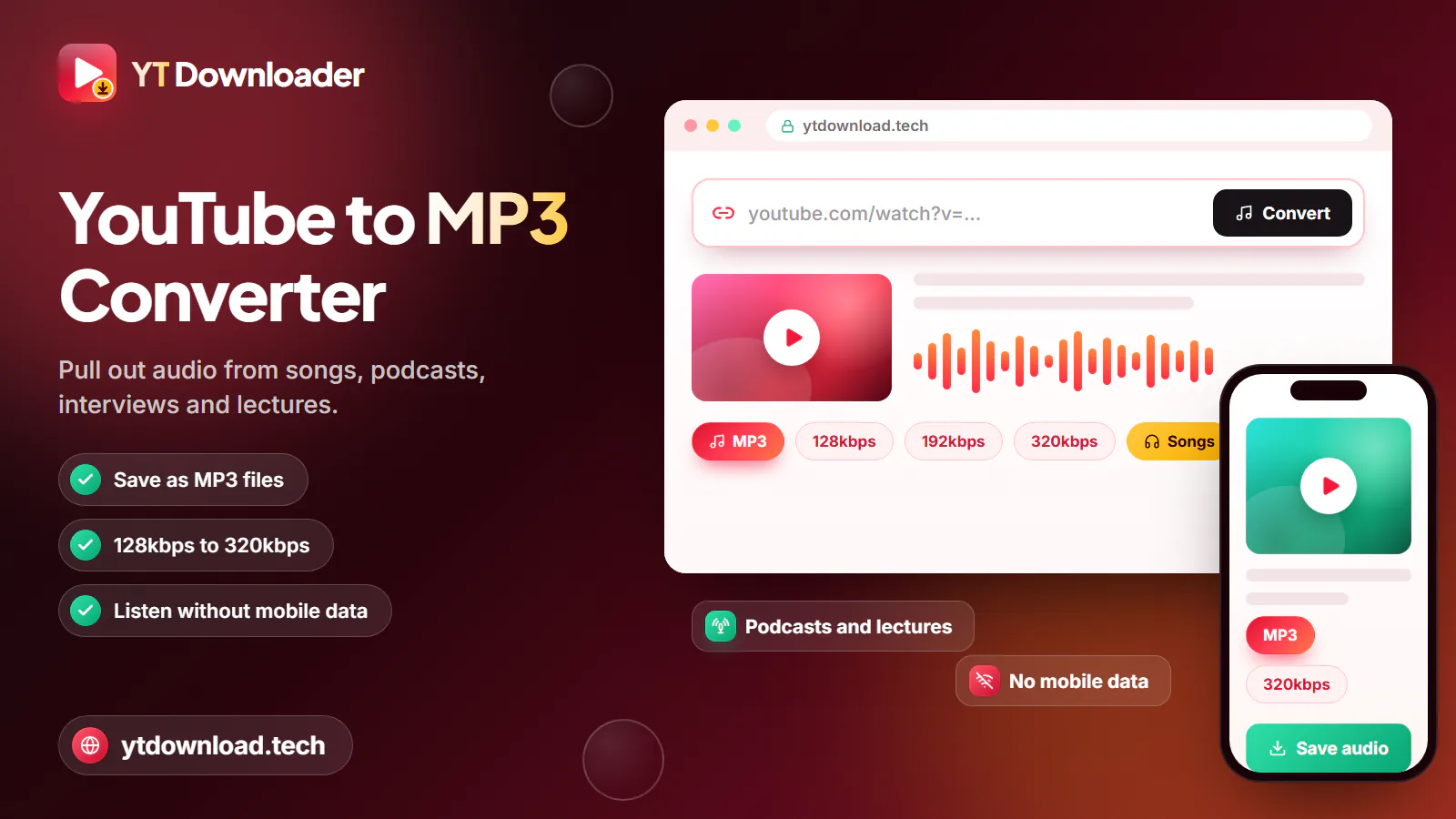
To download a song from YouTube, copy the link of the official audio or Topic upload, paste it into the box at the top of this page and choose MP3 at 128, 192 or 320kbps, or M4A. Press Download and the song saves to your phone or computer. It is free and needs no app.
A four-minute song is about 10 MB at 320kbps and about 4 MB as M4A, so even a full running playlist takes up little room on your phone.
Sound quality
The file can only be as good as the upload. YouTube usually streams audio at around 128 to 160kbps, so the source you pick matters more than the bitrate you choose.
Uploads labeled "Official Audio" or from an auto-generated "Artist - Topic" channel are usually the cleanest. Re-uploads, lyric videos and concert phone clips are often compressed twice and sound dull.
M4A is YouTube's original AAC track, copied as is. It is the closest copy you can get and is smaller than a 320kbps MP3.
For a YT MP3 song download, 320kbps adds the least new loss. Use 192kbps if space is tight; you will rarely hear the difference on earbuds.
Music videos often have spoken intros, sound effects or a long silent ending. The audio-only upload of the same song starts and ends cleanly.
On your devices
Where each saved song lands, and how to get it into the player you actually use.

For a YouTube song download on iPhone, use Safari. The song is saved in Files, then Downloads, and plays there. To see it in the Music app, sync it from a computer.
To download a song from YouTube to Android, use Chrome. It goes to the Downloads folder and appears in your music player.
Songs land in Downloads. Drag them into Apple Music, Windows Media Player or VLC to build a library.
MP3 on a USB stick plays in almost every car stereo. For the gym, a 192kbps playlist saved on Wi-Fi plays without touching your data plan.
No install
No. A YouTube song downloader app is not needed, because this page does the job in your browser. That also means no permissions to grant and nothing to update. If you use it often, you can add the page to your home screen from your browser's Share or menu button.
You can download songs from YouTube free here: there is no fee, trial or account. Use only the Download button on this page and close any pop-up that asks you to install software. The tool saves one song per link, so playlists and albums need to be saved track by track.
Only save songs you own, songs licensed for download, or songs the artist has given you permission to keep, and follow US copyright law and YouTube's Terms of Service; this is not legal advice. For commercial music, YouTube Music Premium is the official offline option, and buying the song supports the artist. YT Downloader is independent and not affiliated with YouTube or Google.
Questions
Copy the song's link, paste it into the box at the top of this page, choose MP3 or M4A and press Download. For the best sound, use the official audio or Topic upload rather than a re-upload.
Open the song in YouTube Music, tap Share, then Copy link, and paste it here. Each song link saves one track; album and playlist links are not accepted.
The tool is free, with no account or app. What you may save depends on the song: only download songs you own, that are licensed for download, or that the artist lets you keep.
No. Everything runs in Safari, Chrome or any other browser on your phone or computer. There is no app or extension to install.
Open this page in Safari, paste the song link, choose MP3 or M4A and press Download. The song is saved in the Files app under Downloads, where you can play it. To add it to the Music app, sync it from a Mac or PC.
Yes. Open this page in Chrome, paste the link and download the song as MP3 or M4A. It goes to your Downloads folder and shows up in your music app.
Paste the link of a song you may keep and save it as MP3 or the original M4A for your next road trip or workout. Free, no app, no sign-up.

Updated