Files, Then Downloads
Open Files, tap Browse, then Downloads. The folder lives in iCloud Drive by default, or On My iPhone if you changed the download location in Safari's settings.
Works in Safari on iPhone and iPad
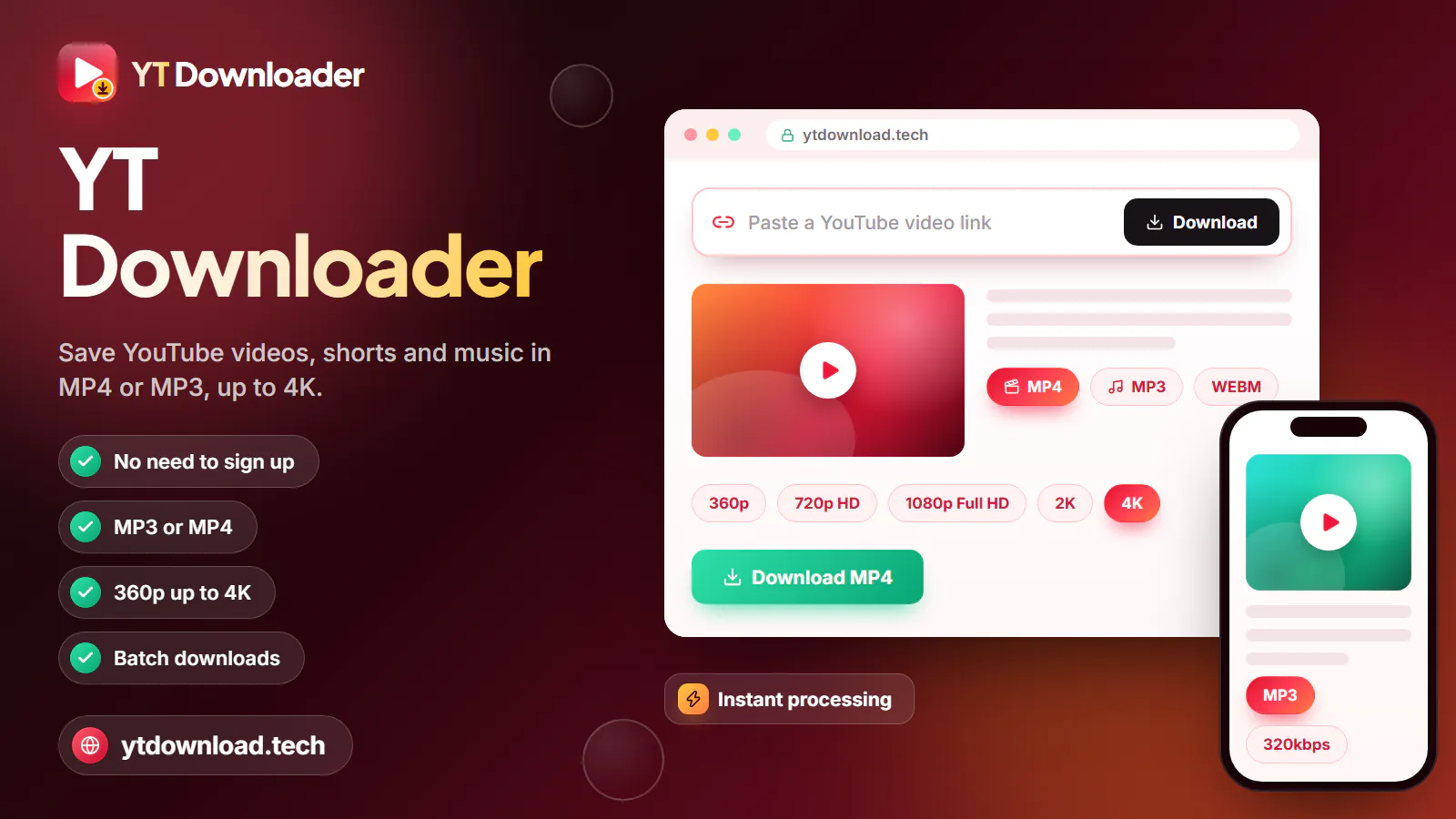
To download a YouTube video to your iPhone, open this page in Safari, paste the link, pick MP4 at 1080p or 720p and tap Download. Safari saves the file to the Files app under Downloads; open it there, tap Share and choose Save Video to put it in Photos.
No app needed
Planning a cross-country flight, a road trip through canyon country or a weekend at a cabin with one bar of signal? Save the videos you want on home Wi-Fi first, so they play offline and never count against your carrier's data cap. To download a YouTube video to your iPhone, open this page in Safari, paste the link, pick MP4 at 1080p or 720p and tap Download. Safari saves the file to the Files app under Downloads; open it there, tap Share and choose Save Video to put it in Photos.
No App Store app is involved, and that is on purpose. Apple's App Store rules do not allow apps that save media from services such as YouTube without the rights holder's permission. That is why the "YouTube downloader" apps that show up in search tend to vanish after a few weeks, or quietly drop the download feature in an update and leave you with a file manager full of ads. A web page doesn't depend on App Store approval: Safari has had its own download manager since iOS 13, so a site can hand a finished file straight to your phone.
That makes YT Downloader a free YouTube downloader for iPhone in the plain sense of the word: no payment, no account, no email address and nothing to install, not even a configuration profile or a shortcut you have not read. The quality list shows only the resolutions a video was actually uploaded in, from 360p up to 1080p, and every MP4 has the picture and sound joined in one file. When YouTube offers the widely supported H.264 version at the quality you pick, that is the version you get, so the file plays in Photos and iMovie and can be sent over AirDrop.
What about YouTube Premium? Its downloads are real, but they stay locked inside the YouTube app. You can't move them to Photos, edit them or AirDrop them to a family member's iPad, they stop playing if your membership ends, and the app has to reconnect at least once every 30 days to keep them. A file saved from Safari is an ordinary MP4 that sits in your library like any clip you filmed.
Save only videos you have the right to keep: your own uploads, Creative Commons or public-domain clips, or videos the creator lets you download. You are responsible for following US copyright law and YouTube's Terms of Service; nothing on this page is legal advice. YT Downloader is an independent tool and is not affiliated with YouTube, Google or Apple.
Step by step

These steps for downloading YouTube videos to iPhone were checked in Safari on current iOS. Safari is the best choice because its downloads go straight to the Files app. Chrome for iPhone also works, but it keeps files in its own folder inside Files, which is easy to lose track of.
Do it on Wi-Fi when you can. A 20-minute video at 1080p can run to several hundred megabytes, which adds up fast on a limited cellular plan.
After the download
Safari never drops a video straight into Photos. Here's where the file lands, how to move it, and how much room each format takes.

Open Files, tap Browse, then Downloads. The folder lives in iCloud Drive by default, or On My iPhone if you changed the download location in Safari's settings.
A download saved to iCloud Drive syncs to the cloud and uses your iCloud storage. If big video files fill your plan, switch Safari's download location to On My iPhone.
Tap the MP4 in Files, tap Share and choose Save Video. It appears in Photos under Recents, ready to trim, add to an album or send in Messages.
An MP3 doesn't go to Photos. Tap it in Files to listen. To add it to the Music app library, import it on a Mac, or with iTunes on a PC, and sync your iPhone.
A minute of 1080p takes about 15 to 35 MB, 720p about 10 to 20 MB, 480p about 5 to 10 MB and MP3 about 1 to 2.5 MB. For a long flight queue, 720p is the sweet spot.
iPadOS uses the same Safari prompt, Downloads folder and Save Video option. On an iPad screen 1080p is worth the space; on an iPhone, 720p looks nearly as sharp.
Troubleshooting
Most iPhone problems come down to the file sitting in Files instead of Photos, Safari losing focus mid-download, or a phone that's out of space. Find the symptom that matches yours.
Keep Safari in front until the file is ready; locking the phone or switching apps can stall it. If no Safari prompt appears, tap "Not started? Save the file here." under the form. A prepared file stays available for about 10 minutes.
Downloads land in Files first, so move the video yourself with Share and Save Video. If Save Video is missing, the file is an MP3 or didn't finish downloading; try MP4 at 720p.
Every MP4 from this page has the audio joined in. Check the volume, the silent switch or Action button, and any Bluetooth earbuds still connected. If the video is silent on YouTube, the file will be too.
Open Settings, General, iPhone Storage to see what's using space. Delete the Files copy once the video is in Photos, then empty Recently Deleted in Photos to get the space back.
A long 1080p video can be hundreds of megabytes. Switch to Wi-Fi, keep the screen on, or pick 720p or 480p on a weak signal, such as at a crowded airport gate.
Paste one video link: a watch link, a youtu.be link or a Shorts link. Private, members-only, age-restricted and region-blocked videos, and live streams still in progress, can't be saved.
Questions
Copy the video link in the YouTube app with Share and Copy link, open this page in Safari and paste it. Pick MP4 at 1080p or 720p, tap Download and confirm the Safari prompt. The video is saved in the Files app under Downloads.
Download it as an MP4 first, then open Files and go to Downloads. Tap the video, tap Share and choose Save Video, and a copy appears in Photos under Recents. Delete the Files copy afterward to free up space.
Yes. This one runs in Safari and costs nothing, with no account, email address or subscription. Because nothing is installed, there's no App Store app that can be pulled or start charging later. The site may show ads, but the download itself is free.
No. Safari's built-in download manager does the work and puts the file in the Files app. App Store downloader apps tend to be removed under Apple's rules, so a browser tool is the dependable route on iOS.
Yes. There's no fee, sign-up or daily cap for MP4 or MP3 downloads here. Your only real cost is data, so download on Wi-Fi rather than eat into your cellular plan.
Yes. Choose MP3 at 128, 192 or 320kbps and the audio saves to Files, where it plays with a tap. To add it to the Music app library, import it on a Mac, or with iTunes on a PC, and sync it to your iPhone.
Yes. iPadOS uses the same Safari download prompt, the same Downloads folder in Files and the same Share and Save Video step. On an iPad's larger screen, 1080p is worth choosing.
Safari saves downloads to Files, not Photos, so the video won't appear until you open it in Files, tap Share and choose Save Video. If Save Video isn't offered, you saved an MP3 or the download didn't finish. Download it again as MP4 at 720p.
Yes. Once the MP4 is in Photos or Files, it plays with no connection at all. Load up the night before a flight or a long drive and you won't need in-flight Wi-Fi or cell coverage.
It depends on the video. Saving your own uploads, Creative Commons or public-domain videos, or clips the creator allows is generally fine, but you must follow US copyright law and YouTube's Terms of Service. Whether a particular use is fair use is decided case by case, and this is not legal advice.
Paste a link in Safari and keep the video as an MP4 with sound up to 1080p, or the audio as MP3. Free, no app, no sign-up.

Updated