1. HTTPS and the Address You Meant
Look for the padlock and check the domain letter by letter. Lookalike addresses with an extra word or a swapped letter are a common trick, so type the address yourself or use a bookmark.
Fake buttons, installers and pop-ups explained
A YouTube downloader is safe when it runs in your browser, never asks you to install anything, and gives you a file that ends in .mp4, .mp3 or .m4a. Check three things in about 30 seconds: the page uses HTTPS, the real Download button sits next to the link box, and no pop-up asks for software or notification access.
The checklist
A YouTube downloader is safe when it runs in your browser, never asks you to install anything, and gives you a file that ends in .mp4, .mp3 or .m4a. Check three things in about 30 seconds: the page uses HTTPS, the real Download button sits next to the link box, and no pop-up asks for software or notification access.
The risk with free downloader sites is rarely the video itself. It is the ads, fake buttons and installers around it. Run any site, including this one, through these seven checks before you trust it.

Look for the padlock and check the domain letter by letter. Lookalike addresses with an extra word or a swapped letter are a common trick, so type the address yourself or use a bookmark.
The real button appears next to the link box after you paste a link and pick a format. Big green "Download" or "Start" banners elsewhere on the page, especially before you have pasted anything, are usually ads.
A safe YouTube video downloader never needs an .exe, .dmg, APK or browser extension to "continue" or "speed up" your download. A web tool does the work in the page.
"Click Allow to prove you are not a robot" is a trick to get permission to push spam to your desktop or phone. Block it. Downloading a video never needs notifications.
Video should end in .mp4, audio in .mp3 or .m4a. Anything ending in .exe, .zip, .apk, .dmg or .scr is not a video. On Windows, turn on File name extensions in File Explorer's View menu so you can see the real ending.
Saving a public video should not need your email, a card, or a Google sign-in. A site that asks for your Google password is a phishing risk, whatever it promises.
If a file looks odd, scan it before opening. On Windows, right-click it and choose Scan with Microsoft Defender (under Show more options on Windows 11). On a Mac, macOS checks downloads automatically and warns you before an unknown app can run.
Walk away if you see these
If you want to download a YouTube video safely, the simplest rule is this: the moment a site wants something on your device other than the video file, leave.
An .exe, .msi, .dmg or .pkg file offered as a "downloader" or "HD player" can bundle adware or worse. You do not need one to save a video.
Installing an APK means turning on "Install unknown apps" and skipping Google Play's checks. The browser on your phone already does everything a downloader app would.
An extension asking to "read and change all your data on all websites" can see your banking and email tabs too. A YouTube downloader does not need that.
A pop-up claiming your iPhone or PC is infected and needs a cleaner app is an ad, not a real scan. Close the tab; do not call any number it shows.
Every click opens a new tab, a prize page or a survey. If you cannot reach your file without passing through other sites, find another tool.
Charging for faster or HD downloads after you have pasted a link, or asking for a card to "verify age", is a bait-and-switch. A free tool should tell you its limits before you start.
Full transparency
People searching for safe websites to download YouTube videos deserve facts, not a badge. So here is exactly how ytdownload.tech works, and you can check each point yourself with the list above.
What it does: it runs entirely in your browser over HTTPS. You paste a YouTube link, choose MP4 (360p to 1080p), MP3 (128, 192 or 320kbps) or M4A, and the file comes from the Download button next to the link box. MP3 audio is converted on our server and then saved to your device as an ordinary .mp3 file. Video arrives as .mp4 and original audio as .m4a.
What it doesn't do: it has no app, APK, desktop program or browser extension, and it never asks you to install one. It needs no account, email address, card or Google sign-in, and it has no reason to ask for notification permission.
What to watch for: the site may show ads, as most free sites do. If an ad or pop-up ever asks you to install software, update a player or allow notifications, close it; that is not part of YT Download. We do not claim this or any website is 100% safe. YT Download is independent and not affiliated with YouTube or Google.
Step by step

The safest way to download YouTube videos without getting a file at all is YouTube Premium, which keeps videos offline inside the YouTube app. If you need an actual MP4 or MP3 you can keep, follow these steps with any browser tool, including this one.
The whole process happens in one tab. If you find yourself on a different site, or holding a file with the wrong ending, stop and start again from the address you trust.
Questions
Browser-based ones can be, if they never ask you to install anything and give you a plain .mp4, .mp3 or .m4a file. The real risks are fake download buttons, pop-up ads, notification prompts and bundled installers. Use the seven-point checklist above on any site before you trust it.
YT Download runs in your browser over HTTPS, needs no account and never asks you to install an app, APK or extension. Files come from the Download button next to the link box and end in .mp4, .mp3 or .m4a. The site may show ads, so close any pop-up that asks you to install software or allow notifications.
The official route is YouTube Premium, which keeps videos offline inside the YouTube app with no file to worry about. For a file you can keep, use a browser tool you reached by typing its address, press only the Download button next to the link box, and check the file ends in .mp4, .mp3 or .m4a.
A real video or audio file is very unlikely to, but the extras around some downloaders can. Installers, APKs, extensions and files disguised as videos with endings like .exe or .zip are where malware usually hides. If you never install anything and only open .mp4, .mp3 or .m4a files, you avoid the main risks.
No list stays accurate for long, because sites change owners, ads and behavior. Judge each one yourself: HTTPS, a real Download button next to the link box, nothing to install, no account or payment, no notification prompts, and the right file ending. A site that fails any of those is not worth the risk.
Google Play and the App Store generally do not carry apps that save YouTube videos, so most downloader apps come as APKs or from other sources that skip the store's checks. That makes them riskier than a website. On iPhone and Android, the browser you already have can save the same MP4 and MP3 files without installing anything.
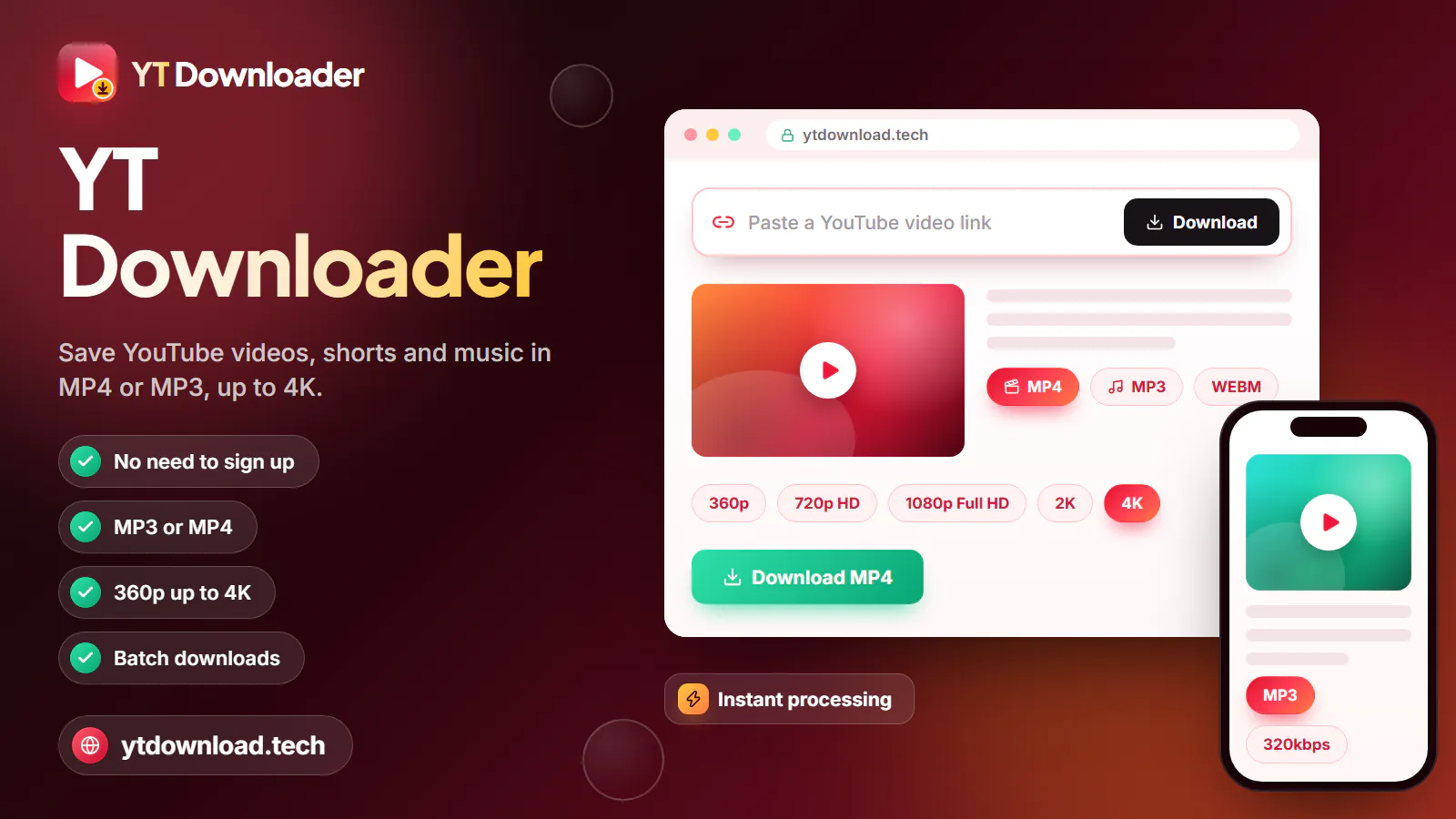
Paste a YouTube link in the box at the top, pick MP4 up to 1080p or MP3 up to 320kbps, and press the one Download button. Nothing to install, no account.

Updated