MP4 With Sound, 360p to 1080p
Picture and audio come in one MP4 file. The menu lists only the qualities the uploader provided, so a 720p upload tops out at 720p.
ytdownload.tech: paste a link, get MP4 or MP3
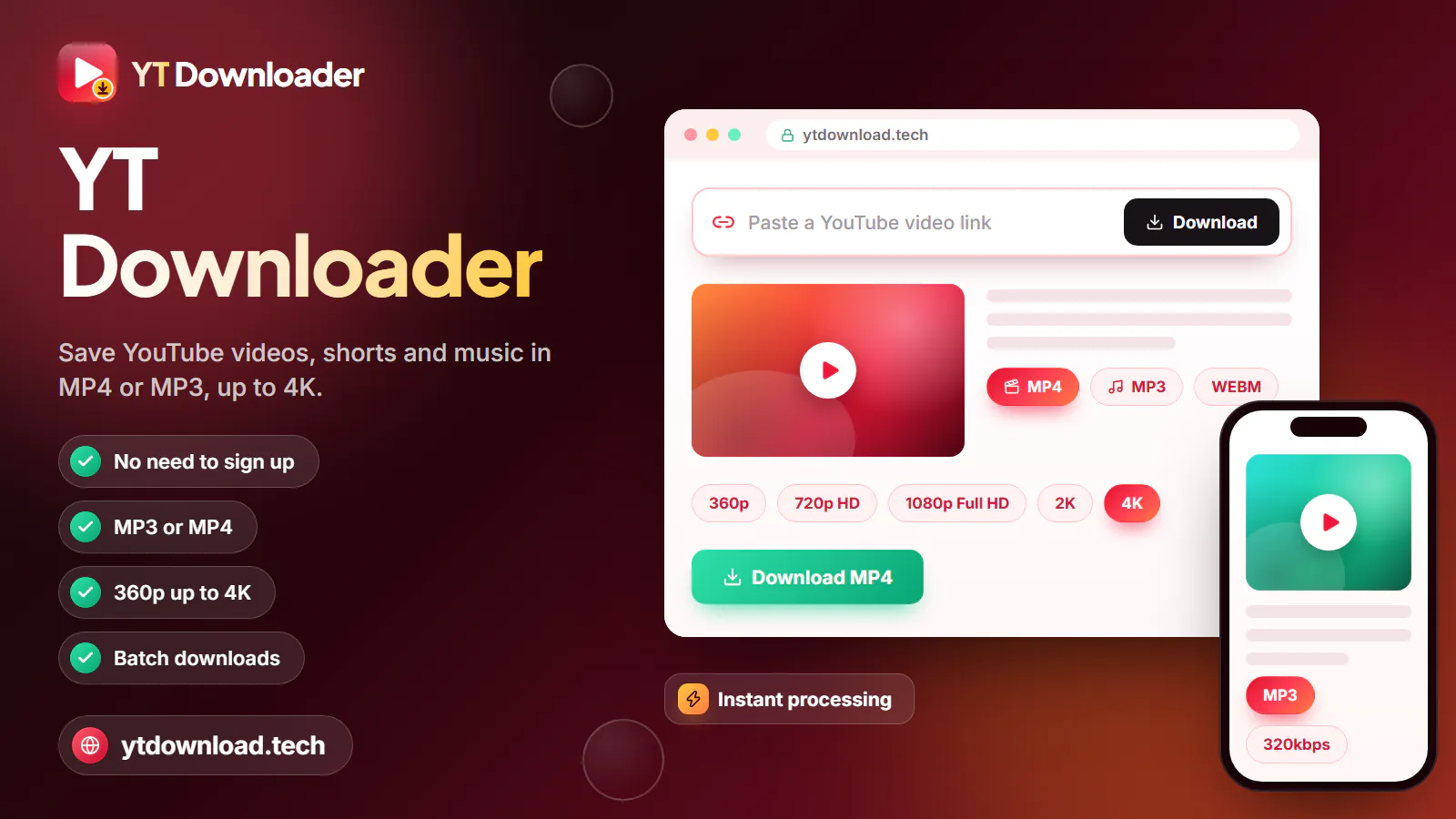
YT Download is a free YouTube video downloader at ytdownload.tech that works in any browser, with no app or account. Paste a YouTube video or Shorts link, choose MP4 from 360p to 1080p or MP3 at 128, 192 or 320kbps, and press Download. The file saves to your iPhone, Android phone or computer in a few seconds.
About the name
YT Download is a free YouTube video downloader at ytdownload.tech that works in any browser, with no app or account. Paste a YouTube video or Shorts link, choose MP4 from 360p to 1080p or MP3 at 128, 192 or 320kbps, and press Download. The file saves to your iPhone, Android phone or computer in a few seconds.
The name is simply the web address, and people spell it a few ways. "YT download" is shorthand for YouTube download and is what most people type into Google. "Ytdownload" with no space is the domain itself, so typing ytdownload.tech into Safari or Chrome brings you straight here. "YT downloader", "YT video downloader" and "YT vid downloader" all describe what the site does, and "yt down" is usually the same search cut short. Whichever one you typed, it is the same tool.
You can save ordinary public videos, Shorts, long uploads such as lectures, sermons and full-length films posted as regular videos, and single tracks from music.youtube.com links. Links copied from the YouTube app, youtube.com, the mobile site or youtu.be all work, and so does a link copied from inside a playlist: the tool reads the video part and saves just that one video.
YT Download is an independent tool. It is not affiliated with, endorsed by or run by YouTube or Google, and it never asks you to sign in to a Google account.
How it works

Every yt video download follows the same four steps, and most finish in under a minute. It works the same in Safari on an iPhone, Chrome on a Pixel or Galaxy, Edge on a Windows laptop and Chrome on a Chromebook, so once you have done it on one device you can download YouTube video files on all of them.
If you want to download YT videos for a trip, do it the night before on home Wi-Fi. A 1080p file takes a few seconds longer to prepare than a 360p one because it is larger, so keep the tab open until your browser offers to save it.
Limits, stated up front
Plenty of free YouTube downloader sites advertise 4K or 8K and only show the catch after you press the button. Here is the full picture before you paste a link: what you can download with YT Download today, and what it does not do.

Picture and audio come in one MP4 file. The menu lists only the qualities the uploader provided, so a 720p upload tops out at 720p.
Convert audio up to about three hours long, which covers most podcasts, lectures, sermons and audiobook chapters.
Choose M4A to keep the audio stream exactly as YouTube provides it, with no conversion to MP3.
Watch links, youtu.be links, Shorts, mobile links and music.youtube.com song links all work, one at a time.
The highest quality is 1080p Full HD. A video uploaded in 4K or higher is offered at up to 1080p.
One link gives one file. There is no batch download, so copy each video's link from the playlist and save them one by one.
You get the full video or its full audio track. The tool cannot save captions, cut out a clip or grab the thumbnail (the manual method is below).
Nothing installs on any device. If a pop-up ever asks you to install software or allow notifications to continue, close it: that is not part of this tool.
Pick a format
The right format depends on where you will be when you press play. The file sizes below are rough figures per minute; fast action and gaming footage make bigger files than a talking head or a slide deck.

Save YouTube video files to a tablet or laptop before a cross-country flight and skip paying for in-flight Wi-Fi. 720p is about 10 to 20 MB per minute and looks sharp on a tablet; 1080p is about 15 to 35 MB per minute for a laptop or a hotel TV.
At about 3 to 6 MB per minute, 360p is the smallest MP4 and fine for lectures and slide talks. Better still, download on home or campus Wi-Fi so replays cost no cellular data at all, which matters on a prepaid plan near the end of the month.
At 128kbps an MP3 is about 1 MB per minute, so a one-hour podcast is roughly 58 MB. Load a week of episodes before you leave and they keep playing through the car's Bluetooth when the signal drops out on a mountain pass or a long desert highway.
A 320kbps MP3 runs about 2.4 MB per minute, close to 10 MB for a four-minute song, and 192kbps (about 1.4 MB per minute) is a sensible middle ground. Pick M4A to keep YouTube's original audio unconverted.
Watermarks
No. YT Download adds no watermark, logo, intro clip or text to anything you save, and the MP4 keeps the picture exactly as YouTube streams it. If you were looking for a YouTube video download without watermark, that is the whole answer: there is nothing to remove, because nothing was added.
What stays is anything the creator built into the video itself. A channel logo in the corner, burned-in captions, an on-screen handle or a sponsor card is part of the original picture, so it is in your copy too. Shorts that were edited in another app before upload may already carry that app's mark, and no honest downloader can strip it out.
Devices
The site runs in the browser you already have. Here is where the file ends up on each device, so you are not hunting for it later.
Use Safari. Files land in the Files app under Downloads; open the video, tap Share and choose Save Video to put it in Photos.
Use Chrome or any modern browser. Files go to the Downloads folder and show up in your gallery app under Videos or Downloads within a few seconds.
Files go to your browser's download location, usually the Downloads folder. MP4 plays in the Windows Media Player app, QuickTime or VLC.
Works in Chrome on personal and school Chromebooks; look in the Downloads folder of the Files app. On a school-managed device, the school's admin settings decide whether downloads are allowed.
There is no app, but you can add ytdownload.tech to your home screen from the browser's Share or menu button so it opens with one tap.
Thumbnails
YT Download does not save thumbnails, so a YT thumbnail download is not one of the options in the format menu. You do not need a tool for it anyway: every thumbnail is a public image on YouTube's image server, and you can open it directly in your browser.
Use it fairly
A download is a copy, and in the US what you may do with a copy is governed by US copyright law and by YouTube's Terms of Service. The clear-cut cases are simple: your own uploads, videos released under a Creative Commons license, public-domain material, and anything the creator has said you may download.
Fair use comes up a lot, but it is decided case by case on the specific facts, and it is not a blanket permission to keep or share whatever you like. Do not re-upload, sell or pass off someone else's work as your own. This page is general information, not legal advice.
For music, shows and channels you do not own, YouTube Premium offers official offline downloads inside the YouTube app. If you are a creator, YouTube Studio lets you download your own uploads as MP4 from your channel's content list.
Questions
Yes. YT Download costs $0, with no subscription, free trial, credit card, sign-up or email address. Like most free sites it may show ads, so save files only through this page's Download button and close any pop-up that asks you to install something.
No. ytdownload.tech is a website, not an app: you use it in Safari, Chrome, Edge or Firefox and nothing is installed on your phone or computer. Apps, APK files and extensions that call themselves a "YT downloader" are separate products from other developers, and this site has no connection to them.
Copy the video's link with Share and Copy link, paste it into the box at the top of this page, choose MP4 or MP3 and a quality, then press Download. Keep the tab open while the file is prepared and save it when your browser asks. Each link gives you one file.
No. Nothing is added to the MP4 or MP3: no logo, no text and no intro. Anything the creator put into the picture itself, such as a channel logo or burned-in captions, stays because it is part of the original video.
Not yet. The highest quality is 1080p Full HD, and a video uploaded in 4K, 1440p or 8K is offered at up to 1080p. On a 4K TV a 1080p file still looks clean from the couch, though fine text looks softer up close than the 4K original on YouTube.
Yes. On iPhone, paste the link in Safari and the file goes to Files, then Downloads; tap Share and Save Video to move it into Photos. On Android, use Chrome and the file lands in Downloads and your gallery. Download on Wi-Fi if your plan has a data cap.
YT Download runs in your browser, needs no account and never asks you to install an app, extension or APK. The file you get should end in .mp4, .mp3 or .m4a; if a download ever ends in .exe, .apk or .zip, delete it, because it did not come from this page's Download button. Close any pop-up that asks for notification permission.
Find the 11-character video ID in the link, then open https://i.ytimg.com/vi/VIDEO_ID/maxresdefault.jpg with that ID in place of VIDEO_ID. If the image does not load, swap maxresdefault for hqdefault. Right-click or long-press the image to save it.
Private, members-only, age-restricted and region-blocked videos, live streams still in progress, and movies you bought or rented (which are DRM-protected) cannot be saved. Check that you copied the full link and that the video plays on YouTube without signing in. If it still fails, the video may have been removed or the service may be busy for a moment.
It depends on the video and what you do with it. Saving your own uploads, Creative Commons or public-domain videos, or content the creator allows is generally fine, while YouTube's Terms do not allow downloading other content without permission. Whether a particular use counts as fair use under US copyright law depends on the facts. This is not legal advice.
Scroll back up, paste a YouTube link and pick MP4 up to 1080p or MP3 up to 320kbps. Free, no app, no sign-up.

Updated