The Downloads Folder
Every browser saves to Downloads by default: This PC, then Downloads on Windows; Finder, then Downloads on a Mac; Files, then Downloads on a Chromebook.
Windows, Mac and Chromebook, in any browser
Here is how to download YouTube videos on PC, Mac or Chromebook: paste the video link into the box above, choose MP4 up to 1080p or MP3, and press Download. The file is saved to your Downloads folder like any other download. Everything runs in the browser, so there is no software or extension to install.
Windows 10 and 11
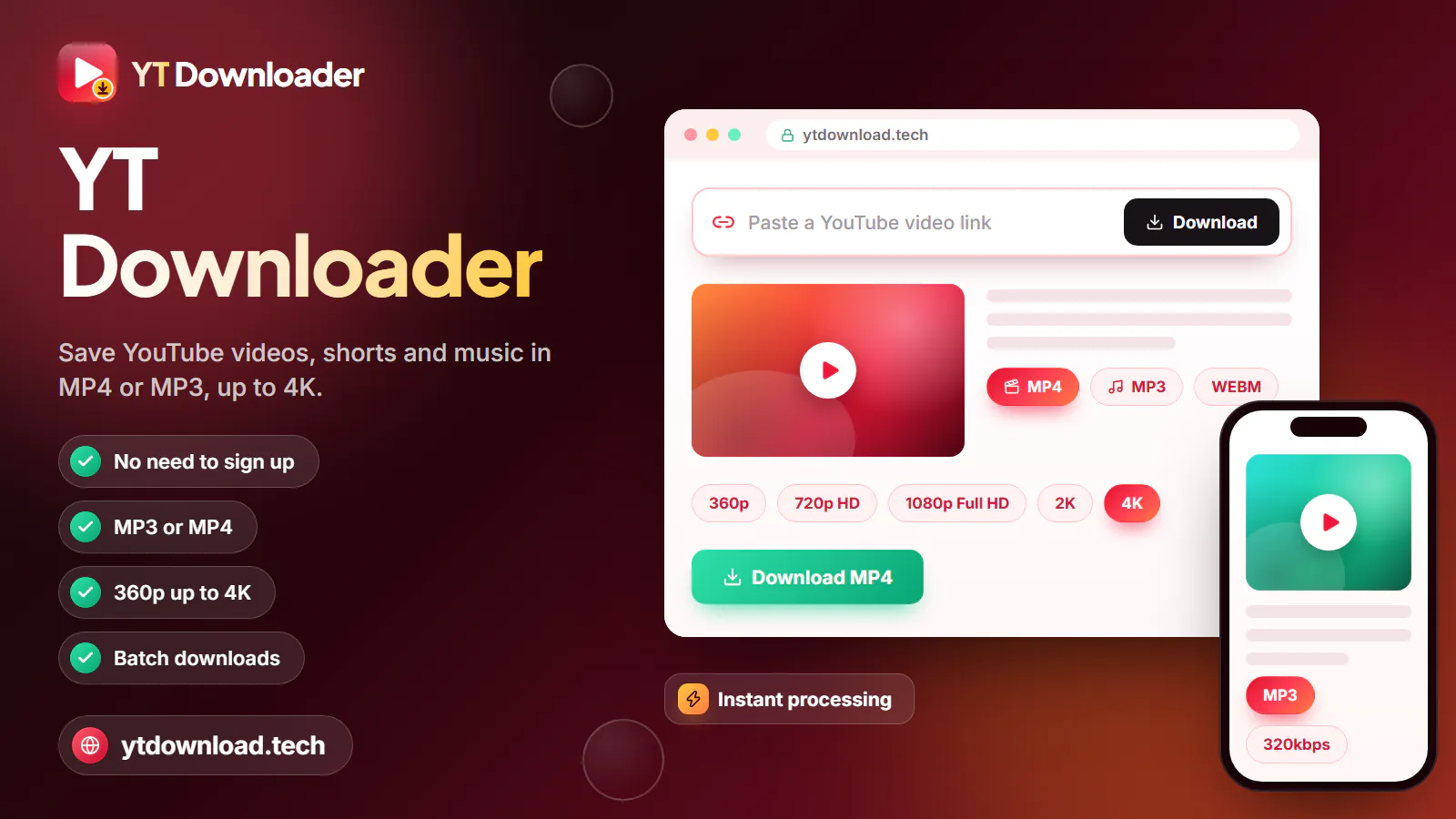
Here is how to download YouTube videos on PC, Mac or Chromebook: paste the video link into the box above, choose MP4 up to 1080p or MP3, and press Download. The file is saved to your Downloads folder like any other download. Everything runs in the browser, so there is no software or extension to install.
The steps below use Chrome or Edge, the two browsers most Windows PCs ship with or end up using, but Firefox works the same way; there, the finished file appears under the download arrow in the toolbar. You need nothing beyond the browser you already have open.
macOS and ChromeOS

On a Mac the process is the same in Safari, Chrome or Firefox; only the shortcuts change from Ctrl to Command. On a Chromebook you use Chrome, and the file shows up in the Files app. School and work Chromebooks are managed by an administrator, who can switch off downloads; if the Download button does nothing, that setting is the likely cause.
Browser only
Search for how to download YouTube videos without any software and you will mostly find pages promoting desktop programs and browser extensions. You do not need either. YT Downloader is a web page: the preparing happens on our side, and your browser simply saves the finished file. There is no app or extension version, and you do not need one.
That has practical benefits. There is nothing to install, so there is nothing to keep updated, nothing running in the background and nothing to uninstall later. You do not need administrator rights, which matters on a work laptop or a school Chromebook where installing software is locked down. And there is no installer that might bundle extra offers you have to remember to untick.
A YouTube downloader Chrome extension can also simply disappear. Extensions that download YouTube videos are often removed from the Chrome Web Store, so one that works this month may stop updating or vanish later. A bookmark to a web page does not have that problem.
The honest trade-offs: it takes one link at a time, so playlists and channels have to be saved video by video. MP4 tops out at 1080p, even for 4K uploads, and MP3 covers audio up to about three hours. Private, members-only and age-restricted videos cannot be saved.
Only download videos you have the right to keep, such as your own uploads, Creative Commons or public-domain videos, or videos the creator lets you save. In the United States, follow US copyright law and YouTube's Terms of Service; this page is not legal advice. YouTube Premium offers official offline viewing in the YouTube app, and YT Downloader is not affiliated with YouTube or Google.
After the download
When you save a YouTube video to your computer, it is an ordinary file. Here is where to find it, how to send it somewhere else and what opens it.

Every browser saves to Downloads by default: This PC, then Downloads on Windows; Finder, then Downloads on a Mac; Files, then Downloads on a Chromebook.
In Chrome or Edge, open Settings, then Downloads, and change Location. In Firefox it is under Settings, General. In Safari, open Settings, General, File download location.
Turn on "Ask where to save each file before downloading" in Chrome's download settings (Edge has a similar switch) to pick a folder for every download.
To download a YouTube video to the desktop, choose Desktop as the save location, or drag the finished file from Downloads onto your desktop.
Windows uses Media Player or Movies & TV, a Mac uses QuickTime Player and a Chromebook uses its built-in media player. VLC is a free player that handles MP4 and MP3 on all three.
Copy the MP4 to a USB stick for a smart TV, or move it to your phone over a cable or cloud storage. MP4 plays on almost every device.
Questions
Open the video, copy the link from the address bar, paste it into the box at the top of this page and choose MP4 or MP3. Click Download and the file is saved to your Downloads folder. There is no charge, no account and no trial period.
Use a browser-based downloader like this one. You paste the link into a web page, the file is prepared online and your browser saves it like any other download. Nothing is installed on your computer, so there is nothing to update or remove afterwards.
Copy the video's address, paste it here, pick MP4 and a quality such as 1080p or 720p, then click Download. The MP4 lands in Downloads, and you can move it to any folder, the desktop, an external drive or cloud storage, just like any other file.
No. A web page does the same job without access to your browser, and it will not break when Chrome updates. Extensions that download YouTube videos are often removed from the Chrome Web Store, so one that works today may not be around tomorrow.
In Chrome or Edge, copy the video's address with Ctrl+L and Ctrl+C, paste it into this page with Ctrl+V, choose a format and click Download. Find the file in File Explorer under Downloads and double-click it to play it in Media Player or VLC.
In Safari or Chrome, copy the address with Command+L and Command+C, paste it into the box on this page, choose MP4 or MP3 and click Download. If Safari asks about allowing downloads from the site, click Allow. The file appears in Downloads and opens in QuickTime Player.
Yes. Any Windows laptop, MacBook or Chromebook with a modern browser works, including Chrome, Edge, Safari and Firefox. On a small laptop screen 720p already looks sharp and saves disk space, while 1080p is worth it if you plug into a bigger monitor or TV.
Yes. Use Chrome on the Chromebook, paste the link, choose a format and click Download; the file goes to Downloads in the Files app. On a school or work Chromebook, an administrator can block downloads, and that setting can only be changed by them.
Paste a YouTube link and save it to your PC, Mac or Chromebook as an MP4 up to 1080p or an MP3. No software, no extension, no sign-up.

Updated