To download a YouTube video, copy its link, paste it into a browser-based downloader such as YT Download, choose MP4 for video or MP3 for audio, and press Download. The file saves to your phone or computer like any other download. If you pay for YouTube Premium, you can also save videos for offline viewing inside the YouTube app.
Your options
Three Ways to Download a YouTube Video
Is there a way to download YouTube videos without paying? Yes, and there is also an official paid route. Which one fits depends on what you want at the end: a real file you control, or offline playback inside the YouTube app.
Quick decision guide. Want a file you can keep, move to a laptop or drop into an editor? Use a browser downloader. Want chart music or a TV show you do not own for a flight? Use YouTube Premium. Want only the audio for a podcast or lecture? Choose MP3 or M4A. Want a whole playlist? Premium can keep it in the app, or you can save the videos you need here one at a time.
01
1. YouTube Premium Offline (Official)
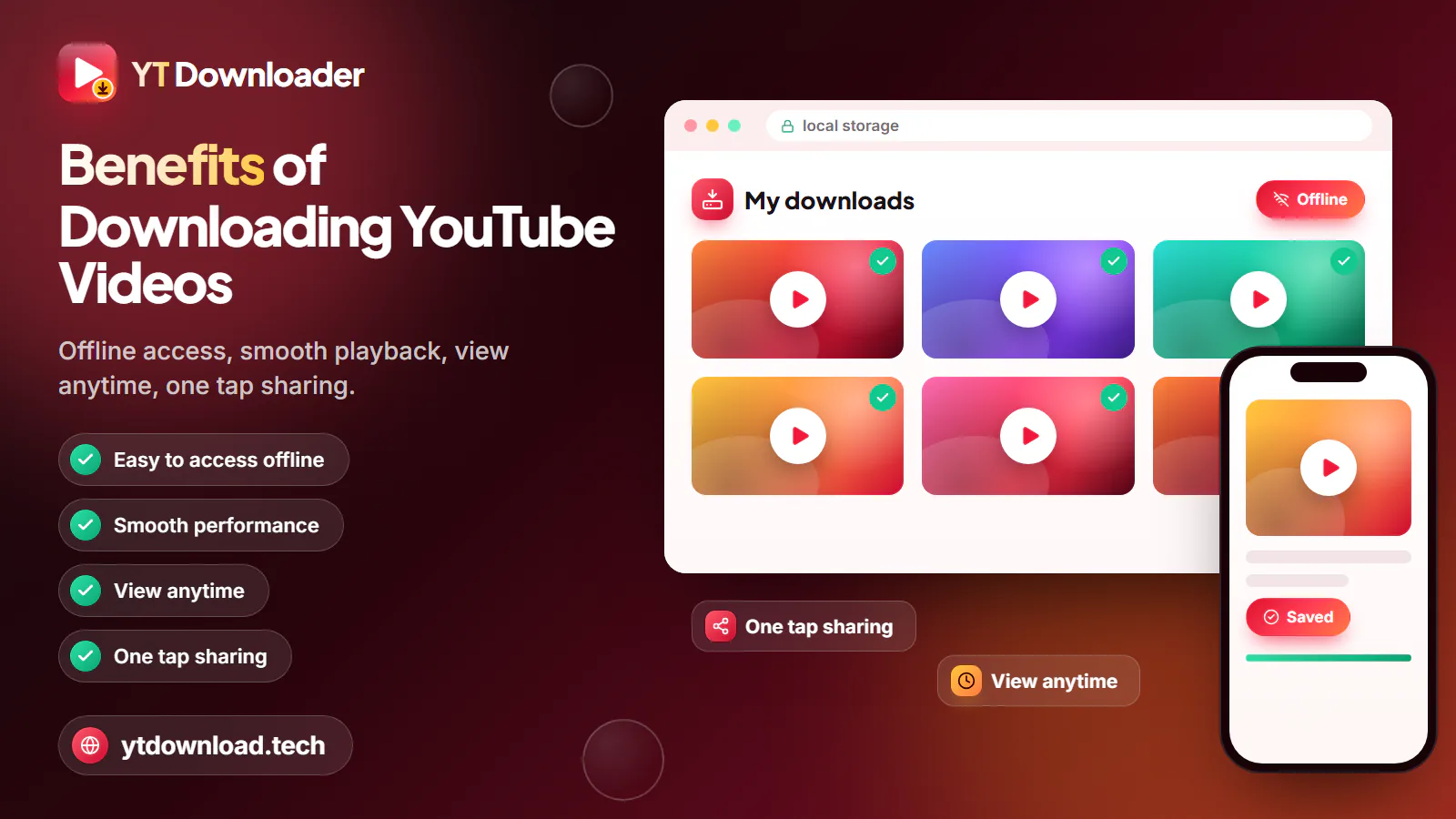
If you pay for YouTube Premium, you can also save videos for offline viewing inside the YouTube app. The downloads stay in the app rather than becoming files you can move or edit, and you need to go online now and then to keep them. Best for music and shows you do not own.
02
2. A Browser Downloader (This Page)
Paste a link and get a real MP4 or MP3 file that lives in Photos, Files or your Downloads folder. Nothing to install and no account. Best for your own uploads, lectures you are allowed to keep and Creative Commons clips.
03
3. Device-by-Device Steps
The browser route works on every device, but each one stores files differently. If you only care about one device, the iPhone, Android and PC guides go deeper into where the file lands and how to move it.
04
What Does Not Work
Screen recording a full movie, sketchy APKs and browser extensions that ask for access to every site. They are slower, riskier, or both, and none of them unlocks videos YouTube itself blocks.
Step by step
How to Download YouTube Videos for Free in Four Steps
To download a YouTube video, copy its link, paste it into a browser-based downloader such as YT Download, choose MP4 for video or MP3 for audio, and press Download. The file saves to your phone or computer like any other download.
That is the whole answer to "how do I download a video from YouTube?", and the steps for how to download YT videos are identical on every device. Here is each step in more detail, including the settings worth choosing. It costs nothing and you never sign in.
A few habits make it smoother. Download before you need the file, not at the gate: a 1080p video is about 15 to 35 MB per minute, so an hour-long documentary can take a while on weak airport Wi-Fi. Rename each file as you save it, especially lessons from a course, so they sort in order. And if the quality you wanted is missing from the list, the video was simply never uploaded at that resolution; pick the highest one shown.
Audio works the same way. Choose MP3 at 128kbps for talk, which is about 1 MB per minute, or 320kbps for music. Recordings up to about three hours convert, so a full lecture or a long podcast episode fits in one file.
1Find the video and copy its link. In the YouTube app tap Share under the video, then Copy link. In a browser, click the address bar and copy the full URL.
2Paste the link into the YT Download box at the top of this page. After a moment, the qualities that video actually has will load.
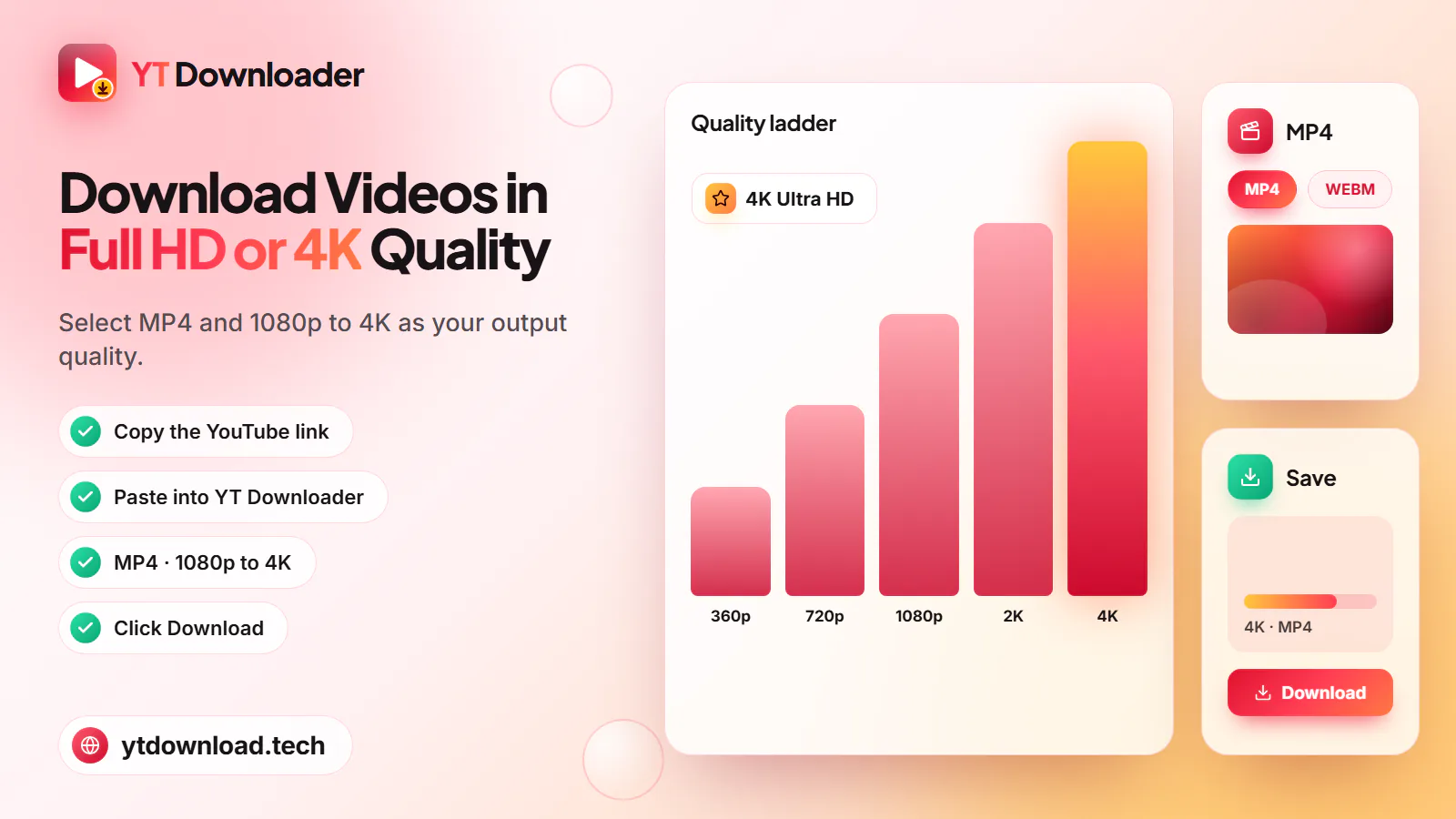
3Choose a format. MP4 keeps picture and sound: 1080p for a laptop or TV, 720p for a tablet, 360p to save space. MP3 keeps only the audio at 128, 192 or 320kbps, and M4A keeps the original audio.
4Press Download and keep the tab open. Long videos take a little longer to prepare. When it is ready, save the file and check that its name ends in .mp4, .mp3 or .m4a.
Can you download YouTube videos to your phone? Yes, with no app at all. A YouTube video download on mobile uses the same browser you already have: Safari on iPhone, Chrome on Android. The difference is where the file goes afterward.
On iPhone, Safari saves to the Files app, in the Downloads folder. To watch it in Photos, open the file, tap Share and choose Save Video. On Android, Chrome saves to the Downloads folder, and the video shows up in your gallery or Google Photos under Downloads within a few seconds.
If you are on a capped or prepaid cell plan, download over Wi-Fi. A 360p MP4 is about 3 to 6 MB per minute and 720p about 10 to 20 MB, so a few long videos can eat a real chunk of a monthly allowance.
How to download a YouTube video to your phone
1In the YouTube app, tap Share under the video, then Copy link.
2Open ytdownload.tech in Safari (iPhone) or Chrome (Android) and paste the link into the box.
3Pick MP4 and 720p for a sharp picture on a phone screen, or MP3 if you only want the audio.
4Tap Download, then confirm the save when your browser asks.
5Find the file in Files > Downloads on iPhone or in Downloads and your gallery on Android.
On a computer you do not need desktop software or an extension. Open the video on youtube.com, copy the address from the address bar and paste it here in Chrome, Edge, Safari or Firefox. The file goes to your browser's download location, usually the Downloads folder on Windows and Mac.
Chromebooks work the same way in Chrome; open the Files app and look in Downloads. Many students use school-issued Chromebooks, and on those the school's admin settings decide whether downloads are allowed at all, so a blocked download there is a district policy, not a broken link.
A computer is also the easiest place to handle big files. Save a 1080p documentary to your laptop, then AirDrop it to an iPhone or iPad on a Mac, copy it to a USB drive for a smart TV in a hotel or rental, or drop it into iMovie, CapCut or Premiere Pro if it is footage you have the right to edit. MP4 plays in all of them without converting.
How to download a YouTube video to your computer
1Open the video on youtube.com and copy the URL from the address bar.
2Paste it into the box at the top of this page.
3Choose MP4 at 1080p for a laptop or monitor, or MP3 for audio only.
4Click Download and open the file from your Downloads folder.
Before you try
Videos That Can't Be Downloaded (and Why)
Knowing how to save a YouTube video also means knowing which ones cannot be saved by any honest tool. If a link fails, check it against this list before trying again.
01
Private Videos
Only the uploader and people they invite can see them, so a downloader has nothing public to fetch.
02
Members-Only Videos
These sit behind a paid channel membership and need a signed-in account, which this tool never uses.
03
Age-Restricted Videos
YouTube requires a signed-in, age-verified account to play them, so they cannot be saved here.
04
Region-Blocked Videos
If a video is not available in the US, it cannot be saved here either. Check that it plays on YouTube without signing in.
05
Live Streams in Progress
A stream that is still live has no finished file. Wait until it ends and YouTube posts the replay, then paste that link.
06
Movies You Bought or Rented
Purchased and rented films are copy-protected (DRM), so no website can save them. Download those inside the YouTube app.
07
Playlist Page Links
A youtube.com/playlist link does not point to one video. Open a video in the playlist and copy that link instead.
The rules
Is It Legal to Download YouTube Videos in the US?
Can you download a video from YouTube legally? Often, yes, but it depends on the video and on what you do with the copy. In the US that is decided by US copyright law and by YouTube's Terms of Service, which you agree to when you use YouTube.
The clear cases: your own uploads, videos released under a Creative Commons license, public-domain material, and videos whose creator says you may download them. YouTube's Terms do not allow downloading other content without permission, and re-uploading, selling or passing off someone else's video can infringe their copyright.
Teachers and students often ask about classroom use. Many educators share lessons under a Creative Commons license or say in the description that downloading is fine; when they do not, asking the creator directly is quick and usually the cleanest answer.
Fair use is real, but it is decided case by case on the facts, such as why you are using the clip and how much of it, so it is not a blanket rule you can rely on in advance. This is general information, not legal advice. For music, movies and shows you do not own, YouTube Premium is the official offline option.
Questions
Downloading YouTube Videos: FAQs
Copy the video's link, paste it into the box at the top of this page, choose MP4 or MP3 and a quality, and press Download. YT Download costs nothing and needs no account or app. The site may show ads, so only save files from the Download button itself.
Yes. A browser-based downloader saves the video as an MP4 or MP3 file on your device, with no subscription. YouTube Premium is the official option and keeps videos inside the YouTube app; a downloader gives you a file instead. Either way, save only videos you have the right to keep.
Yes, on iPhone and Android, without installing an app. Paste the link here in Safari or Chrome, choose a format and tap Download. On iPhone the file goes to Files, then Downloads; on Android it lands in Downloads and your gallery.
Copy the URL from the address bar on youtube.com, paste it into the box on this page, pick MP4 or MP3 and click Download. The file goes to your Downloads folder on Windows, Mac or Chromebook. No desktop software or browser extension is needed.
They go to your browser's download location. That is the Downloads folder on Windows, Mac and Chromebook, Downloads plus the gallery on Android, and Files then Downloads on iPhone and iPad. On iPhone, tap Share and Save Video to move a video into Photos.
Not while it is still live, because there is no finished video to save yet. Once the stream ends and the creator leaves the replay up, it becomes a normal video and you can paste its link. Some creators remove or shorten replays, so not every stream gets one.
No. Private, members-only, age-restricted and region-blocked videos, live streams still in progress, and movies you bought or rented cannot be saved by any honest tool. Ordinary public videos and Shorts can, in qualities up to 1080p, as long as you have the right to keep them.
It depends on the video and your use. Your own uploads, Creative Commons or public-domain videos and content the creator allows are generally fine, but YouTube's Terms do not allow downloading other content without permission. In the US, fair use is decided case by case. This is not legal advice.
On Android, videos saved from Chrome appear in your gallery or Google Photos automatically, usually under Downloads. On iPhone, the file first lands in the Files app; open it, tap Share and choose Save Video, and it appears in Photos.
Try It Now
You know the steps. Paste a YouTube link at the top of this page and save it as MP4 up to 1080p or MP3 up to 320kbps, free and with no sign-up.