Files, Then Downloads
Open the Files app, tap Browse, then Downloads. The folder is in iCloud Drive by default, or On My iPhone if you changed Settings, Safari, Downloads.
Free in Safari on iPhone and iPad: MP4 up to 1080p or MP3
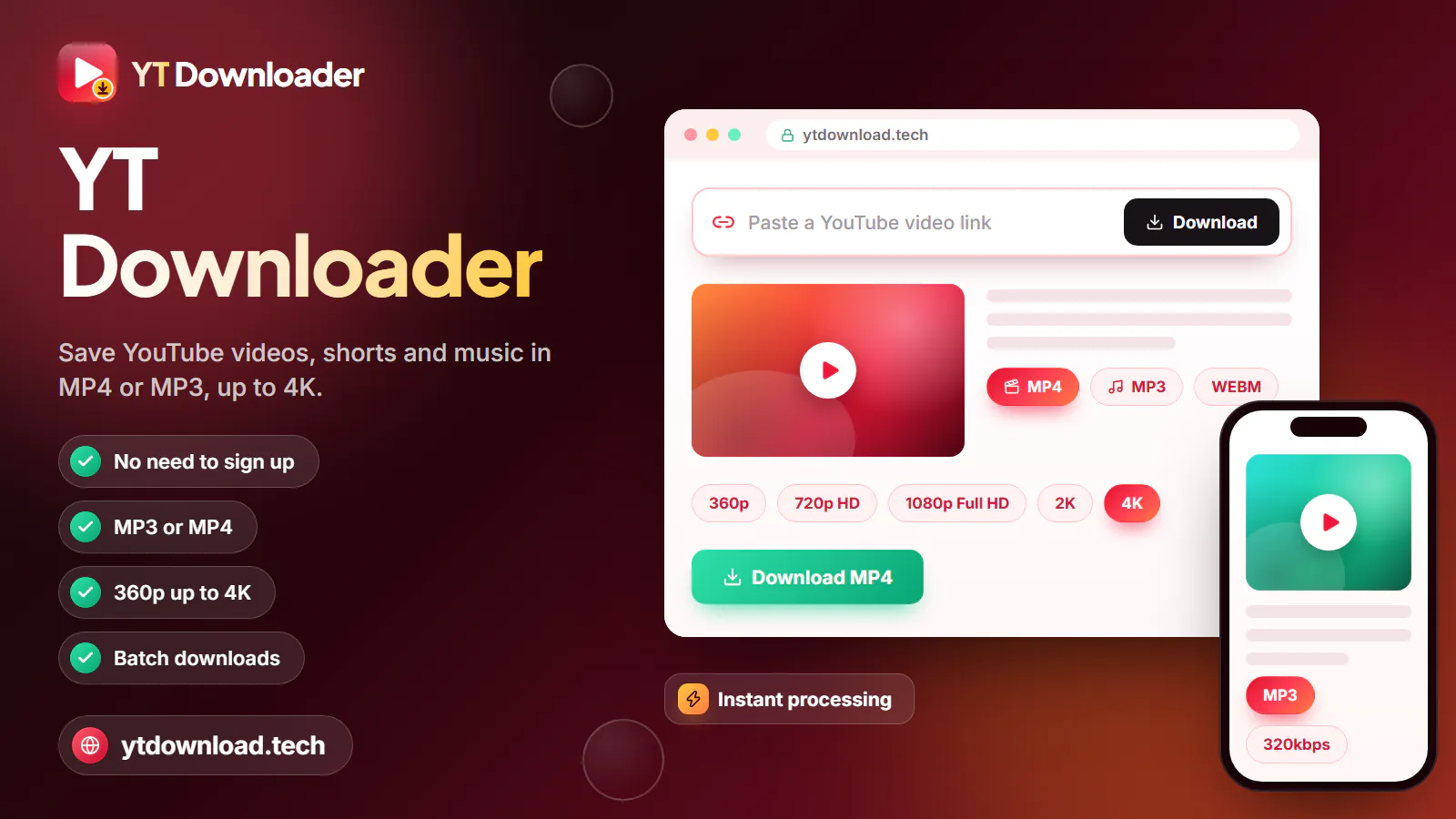
YT Downloader saves YouTube videos to your iPhone in Safari as an MP4 with sound up to 1080p, or as MP3 audio, with no app to install. Paste the link, choose a quality, tap Download and confirm the Safari prompt; the file lands in the Files app under Downloads.
YT Downloader saves YouTube videos to your iPhone in Safari as an MP4 with sound up to 1080p, or as MP3 audio, with no app to install. Paste the link, choose a quality, tap Download and confirm the Safari prompt; the file lands in the Files app under Downloads. To add it to Photos, open it in Files, tap Share, then Save Video.
It works because Safari has had its own download manager since iOS 13, so a web page can hand a file straight to your phone. The quality list shows only the resolutions a video really has, and every MP4 has the picture and sound joined in one file. Shorts links work the same way and keep their tall vertical frame.
For iPhone, MP4 at 1080p or 720p is the safe choice. Whenever YouTube offers the widely supported H.264 version at the quality you pick, that is the version you get, so the file plays in Photos, Files and iMovie and can be shared over AirDrop. There is no account to create and no email address to give.
Use it for your own uploads, lessons you are allowed to keep, or Creative Commons clips you want to watch on a flight or underground, where there is no signal.
How to

These steps match current iOS and iPadOS. Safari is the most reliable browser for this, because its downloads go straight to the Files app.
After the download
Safari never saves a video straight into Photos. Here is where the file lands, how to move it, and which format to pick.

Open the Files app, tap Browse, then Downloads. The folder is in iCloud Drive by default, or On My iPhone if you changed Settings, Safari, Downloads.
Tap the video in Files, tap Share and choose Save Video. A copy appears in Photos under Recents, ready to trim, edit or share like a clip you filmed.
Both play smoothly on any recent iPhone. 1080p is sharpest on a TV or iPad; 720p uses roughly half the space. A 4K upload is offered at up to 1080p.
Choose MP3 at 128, 192 or 320kbps for a lecture, podcast or song you may keep. It plays from the Files app with a tap.
iPadOS uses the same Safari download prompt and the same Files and Photos steps. On a large iPad screen, 1080p is worth the extra space.
Paste a youtube.com/shorts/ link and the MP4 keeps the tall 9:16 frame, so the clip fills your iPhone screen in Photos without black bars.
Troubleshooting
Most problems on iPhone come from the file being in Files instead of Photos, Safari losing focus, or a full phone. Work through the fix that matches what you see.
Keep Safari in front until the file is ready, because locking the phone or switching apps can stall it. If no prompt appears, tap Not started? Save the file here under the form. The file stays available for about 10 minutes.
Downloads go to Files first. Open Files, then Downloads, tap the video, tap Share and choose Save Video. If Save Video is missing, you saved an MP3 or the download did not finish; try MP4 at 720p.
Every MP4 from this page has the audio joined in. Turn the volume up, check the mute button in the player and disconnect Bluetooth headphones you are not wearing.
Check Settings, General, iPhone Storage. A minute of 1080p takes about 15 to 35 MB, 720p about 10 to 20 MB and MP3 about 1 to 2.5 MB. Delete the Files copy once the video is in Photos.
A long 1080p video can be hundreds of megabytes. Switch to Wi-Fi if you can, keep the screen on, or pick 720p or 480p on a slow connection.
Apps and Premium
Apple's App Store rules do not allow apps that save media from services such as YouTube without the rights holder's permission. Apps that try it are removed, or they quietly drop the feature after an update, which is why a browser tool is the dependable route on iPhone and iPad.
YouTube Premium does offer offline downloads, but they stay inside the YouTube app. You cannot export them to Photos, Files or a video editor, and the app has to go online at least once every 30 days to keep them playable.
Be wary of any site that asks you to install a configuration profile, a shortcut you have not read, or an app just to save a video. This tool needs none of that.
Save only videos you have the right to keep: your own uploads, Creative Commons, public-domain or royalty-free clips, or videos the creator lets you download. Do not repost or sell other people's work. YouTube's terms limit downloading to cases YouTube allows, and YT Downloader is an independent tool, not affiliated with YouTube, Google or Apple.
Questions
Copy the video link from the YouTube app with Share and Copy link, open this page in Safari and paste it. Choose MP4 at 1080p or 720p, tap Download and confirm the Safari prompt. The video is saved in the Files app under Downloads, with nothing to install.
Download it as an MP4 first, then open the Files app and go to Downloads. Tap the video, tap Share and choose Save Video. A copy appears in Photos under Recents, and you can delete the one in Files to free space.
Safari saves them to the Downloads folder in the Files app. By default that folder is in iCloud Drive; if you changed Settings, Safari, Downloads to On My iPhone, look there instead. You can also open Safari's Downloads view and tap the file.
Safari puts downloads in Files, not Photos, so you have to move the video yourself with Share and Save Video. If Save Video is missing, the file is an MP3 or did not finish downloading. Every video from this page is an MP4, and 720p plays on any iPhone.
Yes. In the YouTube app, tap Share on the Short and choose Copy link, then paste it here in Safari. The MP4 keeps the vertical 9:16 frame and its sound, and you can move it to Photos with Share and Save Video.
You can save MP3 audio at 128, 192 or 320kbps, and it plays from the Files app. iPhone cannot add an MP3 from Files to the Music library directly, though. To do that, import it into the Music app on a Mac, or iTunes on a PC, and sync it to your iPhone.
Not a lasting one. Apple's App Store rules forbid apps that save YouTube videos without the rights holder's permission, so apps that do it get removed or lose the feature. A browser tool in Safari, or YouTube Premium's in-app downloads, are the options that remain.
No. Premium downloads are for offline viewing inside the YouTube app only. They cannot be exported to Photos, Files or an editor, and they stop playing if the app does not go online for 30 days.
Yes on iPad: the Safari prompt, the Files app and Save Video work the same as on iPhone. Chrome on iPhone can download too, but it keeps files in its own folder in Files, so Safari is the simpler choice.
It is free, with no account, email address or payment. Nothing is installed: no app, no configuration profile and no shortcut. The file comes from Safari's own download manager, and YT Downloader adds no watermark to the video.
Paste a link in Safari and keep the video as an MP4 with sound up to 1080p, or the audio as MP3. Free, no app, no sign-up.

Updated