1080p Full HD MP4
Save video at 1920x1080 when the upload has it, with the original picture and the audio track merged into one MP4 file.
Save YouTube videos in HD as MP4
This YouTube HD video downloader saves videos as MP4 in 720p HD or 1080p Full HD, with picture and sound in one file. Paste a YouTube video or Shorts link, pick the highest quality listed and press Download. 4K and 2K downloads are not available yet: a video uploaded in 4K is offered at up to 1080p.
This YouTube HD video downloader saves videos as MP4 in 720p HD or 1080p Full HD, with picture and sound in one file. Paste a YouTube video or Shorts link, pick the highest quality listed and press Download. The quality menu shows only the resolutions that video really has on YouTube, so you never choose a setting that cannot be delivered.
HD matters most when a video carries detail: code on a screen, slides in a lecture, a recipe close-up or footage you plan to edit. On a phone, 720p already looks sharp and keeps files smaller. On a laptop, monitor or TV, 1080p keeps text and fine lines crisp.
The tool runs in Chrome, Safari, Firefox, Edge and other modern browsers on Android, iPhone, iPad, Windows, Mac, Linux and Chromebook, with nothing to install and no account to create. 4K and 2K downloads are not available yet: a video uploaded in 4K is offered at up to 1080p.
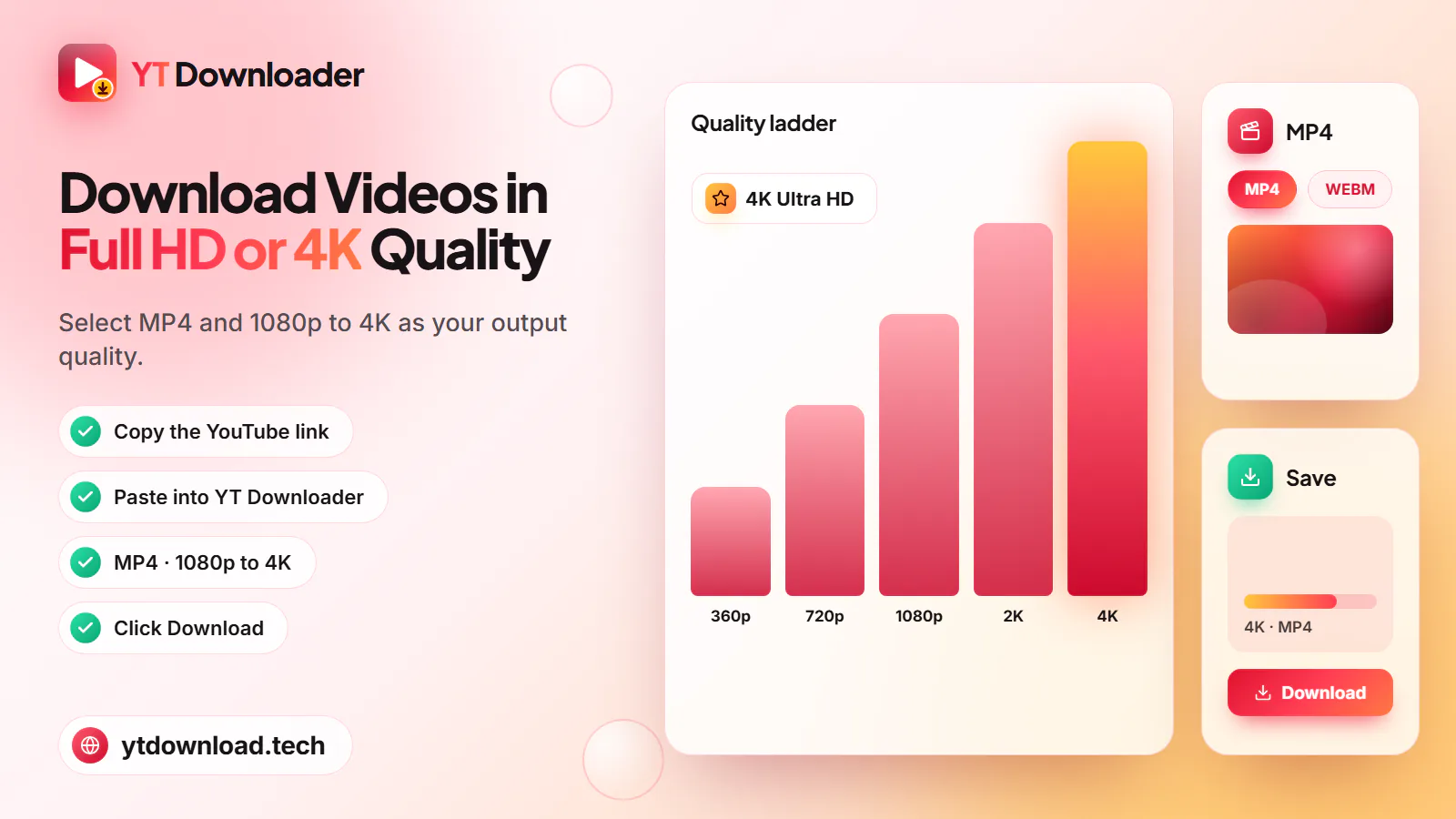
Step by step

Saving an HD copy takes under a minute on a phone or a computer. A 1080p file takes a few seconds longer to prepare than a 360p one because it is larger.
What you get
The quality list is built from the video itself, so every option you see is one you can save.

Save video at 1920x1080 when the upload has it, with the original picture and the audio track merged into one MP4 file.
Pick 1280x720 for a sharp picture on a phone screen at roughly half the file size of 1080p.
480p and 360p are listed when available, which helps with long lectures or when storage is tight.
Every MP4 includes sound, so there is no separate audio file to merge. No watermark is added to the picture.
MP4 opens in the Photos app, VLC, Windows Media Player, QuickTime, smart TVs and common video editors.
Works on Android, iPhone, iPad, Windows, Mac, Linux and Chromebook with no app, extension or sign-up.
Quality guide
The sizes below are rough figures for a 10-minute video. Real sizes depend on how much movement is in the picture, the frame rate and how the creator encoded it, so fast action, gaming and 60fps videos run larger.

1920x1080, about 150 to 350 MB per 10 minutes. Choose it for laptops, monitors, TVs, editing and screen recordings with small text.
1280x720, about 80 to 180 MB per 10 minutes. A sharp picture on phones and tablets for roughly half the storage of 1080p.
854x480, about 40 to 90 MB per 10 minutes. Fine for talking-head videos and video podcasts on a small screen.
640x360, about 25 to 60 MB per 10 minutes. The smallest MP4, for long lectures, older phones or very limited storage.
The video was uploaded below 1080p, or YouTube has not finished processing its HD versions. New uploads often show 360p first, and HD appears a little later.
Uploads in 1440p or 2160p are offered at up to 1080p. Higher resolutions build too slowly to deliver reliably, so they are not listed.
Responsible use
An HD copy is the same video in a bigger file, so the same rules apply as for any download. Save your own uploads, videos with a Creative Commons licence, public-domain footage, royalty-free clips, or content the creator has said you may keep. Do not re-upload, sell or pass off other people's HD footage as your own.
YT Downloader is an independent tool and is not affiliated with YouTube or Google. Private, members-only, age-restricted and DRM-protected videos cannot be saved. For films, shows and music videos you do not own, YouTube Premium offers official offline viewing in the YouTube app.
Questions
Copy the video link, paste it into the box at the top of this page, select MP4 and choose 1080p, then press Download. 1080p appears only when the video was uploaded in Full HD. If the highest option is 720p, that is the best quality the video has on YouTube.
The list mirrors the qualities YouTube holds for that video. Older uploads, many phone clips and some Shorts were recorded below 1080p, and new uploads may show only 360p until YouTube finishes processing HD. Check the gear menu on YouTube: if 1080p is not there, it cannot be downloaded.
Not yet. The highest quality offered is 1080p Full HD. A video uploaded in 4K or 2K (1440p) is offered at 1080p, 720p and the lower qualities it has. Higher resolutions will be listed only once they can be delivered reliably.
As a rough guide, 10 minutes of 1080p video is about 150 to 350 MB, and the same 10 minutes in 720p is about 80 to 180 MB. Fast-moving footage, gaming and 60fps videos sit at the high end, while slides and talking heads are smaller.
For most people, yes. On a phone screen 720p looks sharp and takes roughly half the space of 1080p. Pick 1080p if you will also watch on a laptop or TV, want to zoom into fine detail such as code or slides, or plan to edit the clip.
Yes. Every MP4 from YT Downloader has the picture and the audio in one file, at every quality from 360p to 1080p. You do not need to download or merge a separate audio track, and no watermark is added.
Yes. Paste the Shorts link like any other video and choose the highest quality listed. A Short is offered in HD only when the creator uploaded it in HD, so some Shorts top out at 720p or lower.
Files go to your browser's download folder: Downloads on Windows, Mac, Linux and Chromebook; Downloads and the gallery on Android; and Files, then Downloads, on iPhone and iPad, where you can share the MP4 to Photos. 1080p files are larger, so check your free storage first.
Yes, at normal viewing distance. This tool saves up to 1080p Full HD even when a video was uploaded in 4K, and a 4K screen has exactly four times as many pixels as 1080p, so it scales the picture up evenly to fill the screen. Faces, motion and subtitles look clean from a sofa or desk; up close, fine text and textures look softer than the 4K original on YouTube.
Not in 8K: the highest quality offered is 1080p, because larger files build too slowly to be delivered reliably, so an 8K upload is offered at up to 1080p, just like a 4K one. There is no separate 60fps option either. The quality list shows resolutions, not frame rates, and the tool picks the most widely playable version at each height, so a 60fps video is not guaranteed to keep 60 frames per second.
Paste a YouTube link and save it as an MP4 in 720p HD or 1080p Full HD, with sound, on your phone or computer. Free, no app, no sign-up.

Updated