Picture and Sound in One File
The video and audio tracks are joined into a single MP4, so it plays with sound in any player and you never need a separate audio file.
Free YouTube to MP4: video with sound, up to 1080p
This YouTube to MP4 converter saves a YouTube video or Short as one MP4 file with picture and sound, in 360p, 480p, 720p or 1080p. Paste the link, choose a quality and press Download; the file goes to your Downloads folder. There is nothing to install and no account to create.
This YouTube to MP4 converter saves a YouTube video or Short as one MP4 file with picture and sound, in 360p, 480p, 720p or 1080p. The quality list shows only the resolutions the uploader actually provided, so the option you pick is what the video really has.
MP4 is the video format almost every device understands. It opens in Photos on iPhone, the gallery on Android, the Windows Media Player and QuickTime apps, VLC, smart TVs and editors such as iMovie, CapCut, DaVinci Resolve and Premiere Pro. Whenever YouTube offers the H.264 version at the quality you choose, that is the one you get, because it plays on older phones and TVs that struggle with newer codecs. There is nothing to install and no account to create.
Use it for your own uploads, lectures you are allowed to keep, Creative Commons footage for an edit, or a tutorial you want to follow step by step without a connection.

How to

Paste the link, choose a quality and press Download; the file goes to your Downloads folder. The steps are the same in Chrome, Safari, Firefox and Edge, on a phone or on a computer.
What you get
Each MP4 saved from this page comes with the same basics, whatever device or browser you use.

The video and audio tracks are joined into a single MP4, so it plays with sound in any player and you never need a separate audio file.
You see 360p, 480p, 720p or 1080p only when the uploader provided them. A 4K or 1440p upload is offered at up to 1080p.
MP4 opens on iPhone, iPad, Android, Windows, Mac, Linux and Chromebook, as well as most smart TVs and USB media players.
Drop the file straight into iMovie, CapCut, DaVinci Resolve or Premiere Pro without converting it to another format first.
No payment, account or email address. The MP4 keeps the original picture, with no logo or text added to the frame.
Paste a watch link, a youtu.be short link, a mobile link or a Shorts link. Shorts are saved as vertical MP4 files.
Quality vs file size
A higher resolution looks sharper on a big screen but fills storage faster. The sizes below are rough figures for one minute of video; fast action and detailed scenes make bigger files than a talking head or slides.
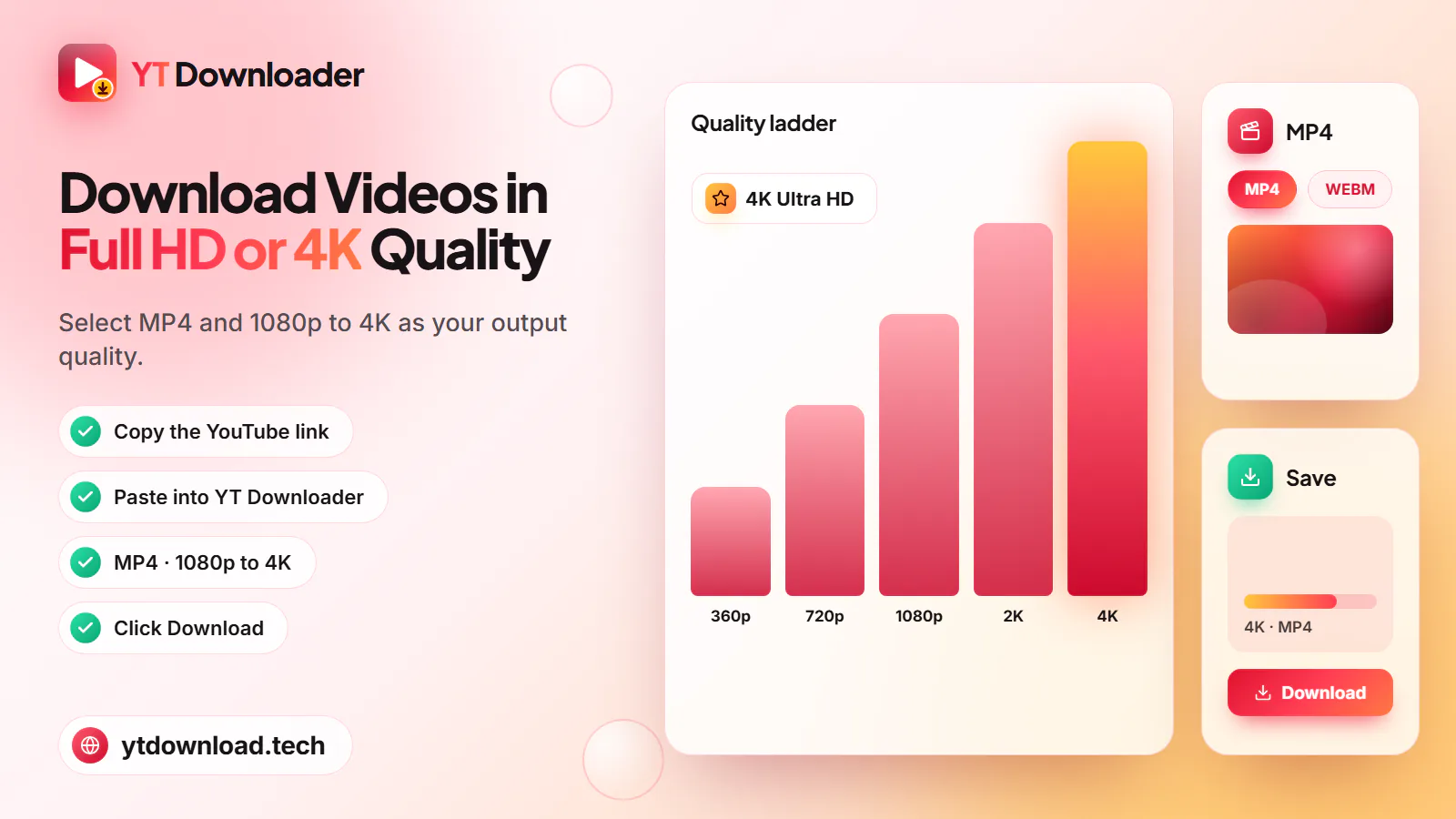
About 15 to 35 MB per minute. Pick it for TVs, large monitors and editing projects where you want the sharpest picture available.
About 10 to 20 MB per minute. Clear on laptops and tablets, and a sensible default when you are not sure which quality to choose.
About 5 to 10 MB per minute. Looks good on a phone screen and lets you keep many videos without running short of space.
About 3 to 6 MB per minute. The smallest MP4, fine for lectures, slide talks and saving on a slow or metered connection.
Fair use
An MP4 is a copy, so the usual rules about copies apply. Save your own uploads, videos released under a Creative Commons licence, public-domain films and royalty-free clips, or content the creator has said you may download, and keep the credit when a licence asks for it.
Do not re-upload, sell or pass off other people's videos as your own. YouTube's terms limit downloading to cases YouTube allows, and YouTube Premium offers official offline viewing for everything else. YT Downloader is an independent tool and is not affiliated with YouTube or Google.
Questions
Paste the video link above, choose MP4 and a quality, and press Download. Every MP4 from this page already has the audio joined to the picture, so you do not need a separate audio file or any editing afterwards. If a file seems silent, open it in VLC to rule out a player problem.
Yes, when the video was uploaded in 1080p or higher. The quality list shows 1080p only if YouTube has it for that video. A 4K or 1440p upload is offered at up to 1080p, because 4K and 2K MP4 downloads are not available.
Copy the link with Share and Copy link, open this page in Safari, paste it, choose MP4 and press Download. The MP4 lands in the Files app under Downloads. To see it in Photos, open the file, tap Share and choose Save Video.
On Android, Chrome saves them to the Downloads folder, and most gallery apps show them under Videos or Downloads within a few seconds. On Windows and Mac they go to your browser's download location, usually the Downloads folder.
Older devices often play only H.264 video. YT Downloader picks the H.264 version at each quality whenever YouTube offers one, but some videos come only in newer codecs at higher resolutions. Try a lower quality such as 720p, or play the file in VLC.
Not in one go. The converter takes one video link at a time. Open the playlist, copy the link of each video you want and download them one after another.
Choose MP4 when you want to watch the picture, and MP3 when you only need the sound, such as a podcast, lecture or song you have the right to keep. An MP3 is much smaller, while an MP4 keeps both picture and audio.
It depends on the video and the law where you live. Saving your own uploads or Creative Commons, public-domain or royalty-free videos, or videos the creator lets you keep, is generally fine. Downloading other content goes against YouTube's terms. This is not legal advice.
Paste a YouTube link and save the video as an MP4 with sound in 360p, 480p, 720p or 1080p. Free, no app, no sign-up.

Updated