MP3 in Three Bitrates
Convert the soundtrack to MP3 at 128, 192 or 320kbps. MP3 plays in every phone, car stereo, smart speaker and music app.
Save the sound only: MP3 or M4A
This YouTube audio downloader saves only the sound from a YouTube video, as an MP3 or M4A file you can play offline. Paste one video or Shorts link, choose MP3 at 128, 192 or 320kbps or M4A as provided, and press Download. It runs in your browser, with no app, extension or account.
An audio file is far smaller than the same video, so an hour-long podcast, lecture or interview fits easily on a phone and plays with the screen off. It works in Chrome, Safari, Firefox and Edge on Android, iPhone, iPad, Windows, Mac, Linux and Chromebook, and links from music.youtube.com are accepted too.
Spoken-word recordings are where audio-only downloads make the most sense: a language lesson for the commute, a conference talk for the gym, a recorded sermon or an audiobook reading in the public domain. Save only audio you own, have permission to keep, or that is Creative Commons, public domain or royalty-free.
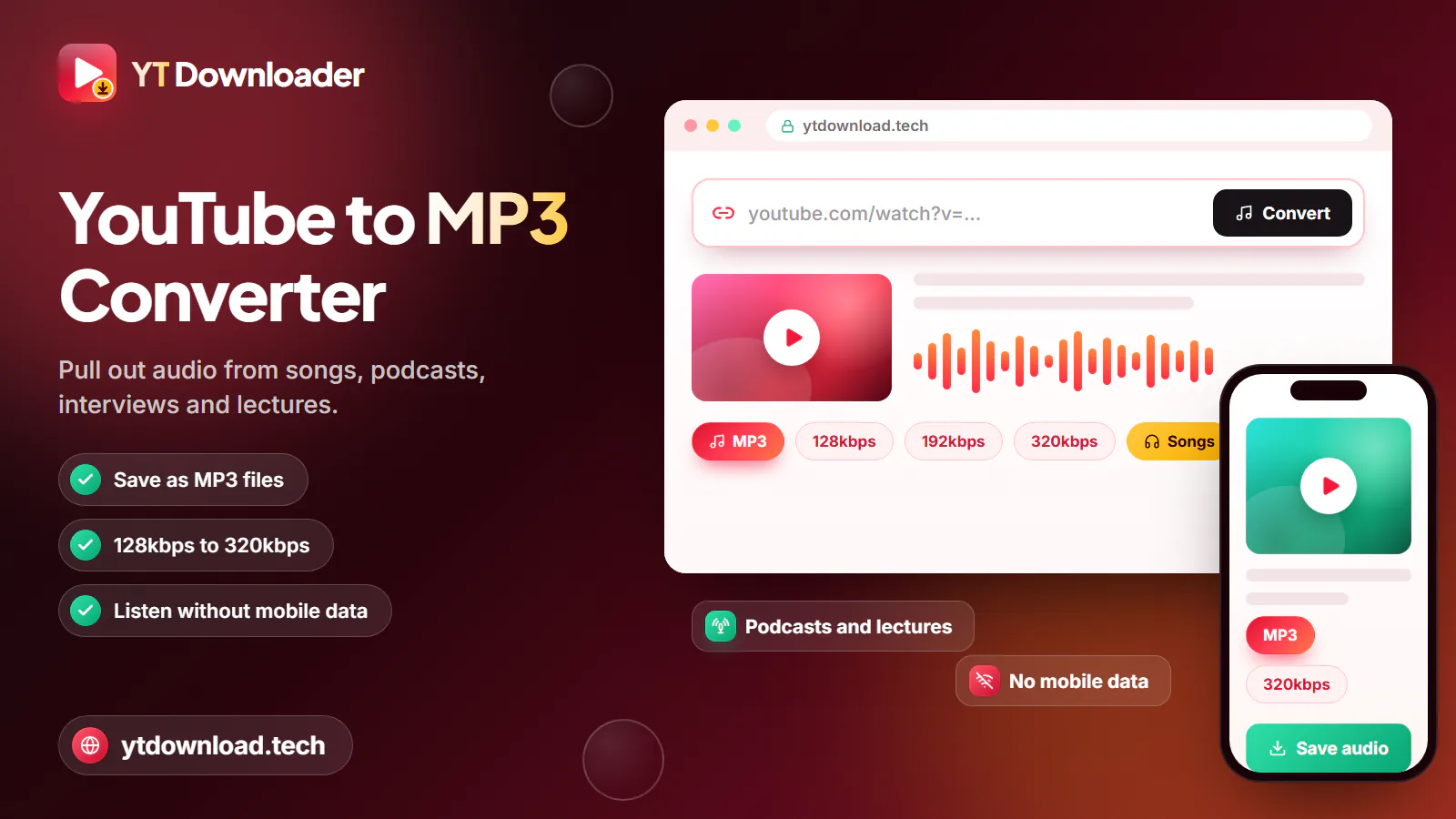
This YouTube audio downloader saves only the sound from a YouTube video, as an MP3 or M4A file you can play offline. Paste one video or Shorts link, choose MP3 at 128, 192 or 320kbps or M4A as provided, and press Download. It runs in your browser, with no app, extension or account.
How to use

The same five steps work on a phone, tablet or computer. Most audio files are ready within seconds; a long MP3 takes a little longer because it is converted on our server first.
What you get
An audio-only file, in the format you choose, without the extra weight of the video.

Convert the soundtrack to MP3 at 128, 192 or 320kbps. MP3 plays in every phone, car stereo, smart speaker and music app.
Save the AAC audio track as an M4A file without converting it, so there is no second round of compression.
MP3 conversion handles audio up to about three hours, enough for most podcasts, lectures, webinars and audiobook chapters.
Paste a standard watch link, a youtu.be short link, a Shorts link, a mobile link or a music.youtube.com link.
Works in the browser on Android, iPhone, iPad, Windows, Mac, Linux and Chromebook. There is nothing to install.
No payment, subscription, email address or login. Paste a link, pick a format and save the file.
MP3 or M4A
Both formats sound clean for speech and music. The real differences are compatibility, file size and whether the audio is converted. Sizes below are approximate for one hour of audio.
M4A keeps the AAC track exactly as provided, so nothing is lost to re-encoding. It plays on iPhone, iPad, Mac, Android and most modern players, and is also offered for videos longer than three hours when an AAC track exists.
The highest MP3 setting. Choose it for music, live performances and any audio you plan to edit or play on good speakers or headphones.
A sensible middle ground for podcasts with music beds, interviews and mixed content. It sounds clear on earbuds and car stereos.
The smallest MP3. Speech stays perfectly clear, which makes it a good fit for lectures, audiobooks, language lessons and long talks on a phone with little storage.
Some car stereos, MP3 players and USB speakers read only MP3 files. If you are not sure what will play the file, MP3 is the safe choice.
Converting to 320kbps does not improve the original recording. For a phone-recorded lecture, 128kbps sounds the same and uses less space.
In short
Audio files go to your browser's download location: the Downloads folder on Windows, Mac and Android, and Files, then Downloads on iPhone and iPad, where you can open them in any audio player. The tool saves one link at a time; whole-playlist downloads, subtitles and private, members-only, age-restricted or DRM-protected content are not supported.
YT Downloader is an independent tool and is not affiliated with YouTube or Google. Download audio only from your own uploads, Creative Commons, public-domain or royalty-free recordings, or content the creator allows you to save, and do not share, repost or sell other people's work. For music and podcasts you do not own, use the official offline options that YouTube and the publishers provide.
Questions
Copy the video link, paste it into the box at the top of this page, select MP3 or M4A and press Download. Only the sound is saved, without the picture, so the file is much smaller than a video. It works in any browser on a phone or computer.
M4A is saved as provided, so it avoids the extra compression step that creating an MP3 adds. In everyday listening the difference is hard to hear, especially for speech. Choose M4A to keep the original audio, and MP3 when you need the file to play on older devices or car stereos.
Use 128kbps for lectures, audiobooks and talks, where speech stays clear and files stay small. Use 192kbps for podcasts and interviews with music. Use 320kbps for music and anything you want to edit. A higher bitrate cannot add detail that the original recording does not have.
Yes. MP3 conversion works for audio up to about three hours, which covers most podcasts, lectures and webinars. For a longer recording, choose M4A if it is offered, since it is saved as provided without conversion. You can also download separate parts if the creator uploaded them individually.
Not as a whole playlist. The tool saves one link at a time. Open the playlist, copy the link of each episode or track you want, and download them one by one as MP3 or M4A.
On iPhone and iPad, audio files go to the Files app under Downloads, where you can play them or share them to another app. On Android they go to the Downloads folder and appear in your music or file manager app. On a computer they land in the Downloads folder.
It depends on the content and where you live. Saving audio from your own uploads, Creative Commons, public-domain or royalty-free recordings, or content the creator allows is generally fine. YouTube's terms do not allow downloading other content without permission, and sharing copyrighted audio can break the law. This is not legal advice.
Paste a YouTube link and keep the sound as an MP3 up to 320kbps or an M4A file, ready for offline listening on any device. Free, no app, no sign-up.

Updated