MP3 at Three Bitrates
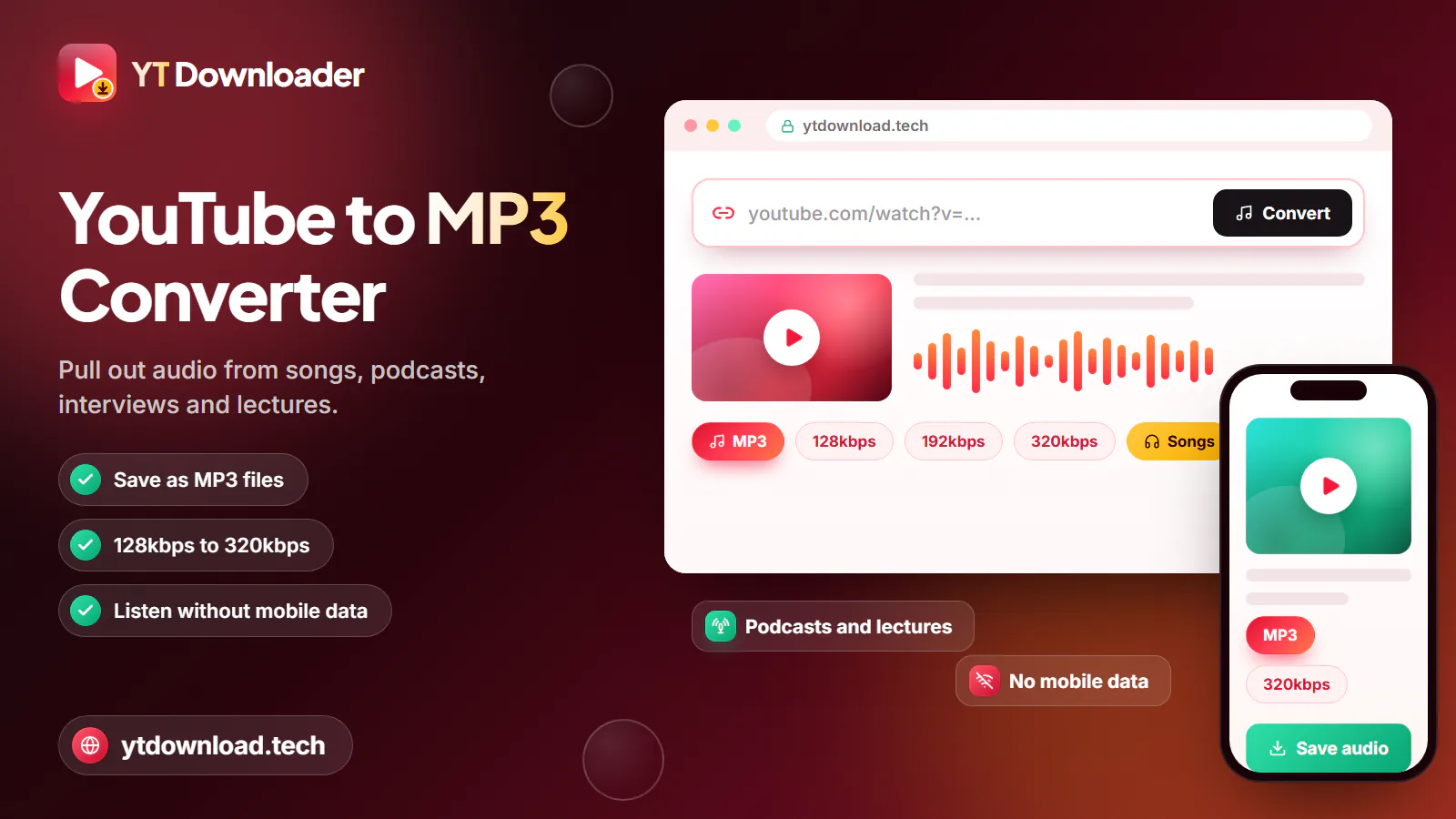
Choose 320kbps for the fullest sound, 192kbps for a balance of quality and size, or 128kbps to fit the most songs on a small phone.
Songs to MP3 up to 320kbps
The YouTube song downloader on YT Downloader saves the audio of one YouTube song at a time as an MP3 file you can play offline. Paste the song link, choose MP3 at 128, 192 or 320kbps or keep the original M4A audio, and press Download. It is free, runs in any browser and needs no app, extension or account.
The YouTube song downloader on YT Downloader saves the audio of one YouTube song at a time as an MP3 file you can play offline. Paste the song link, choose MP3 at 128, 192 or 320kbps or keep the original M4A audio, and press Download. It is free, runs in any browser and needs no app, extension or account.
It is built for single tracks: an indie release shared under Creative Commons, a royalty-free track for your video, a demo your band uploaded, or a public-domain recording. Links from the YouTube website, the YouTube app, youtu.be and YouTube Music song pages are all accepted, and only the audio is downloaded, so a four-minute song is a few megabytes instead of a large video file.
Saved songs play in any music app, on a car stereo, in a smartwatch library or on an old MP3 player, with no signal and no streaming data.
How to

The same steps work on a phone, tablet or computer, and a typical song is ready in a few seconds.
What you get
A plain list of what you can save, in which formats and on which devices.

Choose 320kbps for the fullest sound, 192kbps for a balance of quality and size, or 128kbps to fit the most songs on a small phone.
M4A saves the audio stream as YouTube provides it, with no MP3 conversion. It plays in Apple Music, VLC and most Android players.
Paste a song link from music.youtube.com just like a normal video link. Each link saves one track.
Audio up to about three hours can be converted, which covers live sets, full concerts you recorded and long DJ mixes you own.
Works in Chrome, Safari, Firefox and Edge on Android, iPhone, iPad, Windows, Mac, Linux and Chromebook.
No payment, trial or email address. Open the page, paste a link and save the song.
Sound quality
The file can only sound as good as the upload it comes from. YouTube usually streams audio at around 128 to 160kbps, so choosing 320kbps keeps all of that detail but cannot add sound that was never there.
Search for the artist's own channel, an "Official Audio" upload or an auto-generated "Topic" channel. Re-uploads, lyric videos and phone recordings are often compressed twice and sound duller.
Use 320kbps for headphones and car stereos, 192kbps for everyday phone listening, and 128kbps for spoken word or when storage is tight.
M4A skips the conversion step, so it is the closest copy of the original audio. Choose MP3 only when an older player or car stereo needs it.
Music videos often add spoken intros, sound effects or silence. An audio-only or Topic upload of the same song usually starts and ends cleanly.
Use it responsibly
Most songs on YouTube are copyrighted, and YouTube's terms do not allow downloading them without permission. Save songs you wrote or recorded yourself, tracks released under a Creative Commons licence, royalty-free music whose licence allows downloads, and public-domain recordings.
For commercial music you do not own, YouTube Premium offers official offline listening in the YouTube Music app, and buying the track supports the artist directly. YT Downloader is an independent tool and is not affiliated with YouTube or Google. Do not share, repost or sell downloaded songs, and this is not legal advice.
Questions
In the YouTube app tap Share, then Copy link. Open this page in Chrome or Safari, paste the link, choose MP3 or M4A and press Download. On Android the song goes to Downloads and shows in your music app. On iPhone it goes to Files, then Downloads, where you can play it or share it to another app.
Only slightly. YouTube usually streams audio at around 128 to 160kbps, so a 320kbps MP3 keeps all of that detail with no extra loss, while 128kbps may lose a little more. It cannot restore quality the upload never had. For the closest copy of the original, choose M4A.
Yes, one song at a time. Copy the song link from music.youtube.com or the YouTube Music app and paste it here, then save it as MP3 or M4A. Album and playlist links cannot be downloaded as a whole, and songs that need a Premium or members-only account cannot be saved.
Not yet. YT Downloader saves one link at a time. Open the album or playlist, copy the link of each song you have the right to keep and paste them here one by one. Most songs take only a few seconds each.
Choose M4A to keep the audio exactly as YouTube provides it, which plays in Apple Music, VLC and most Android players. Choose MP3 when you need the widest compatibility, such as an older car stereo, a USB stick or a basic MP3 player.
It depends on the song and where you live. Saving your own music, Creative Commons, royalty-free or public-domain tracks is generally fine. Downloading commercial songs without permission goes against YouTube's terms and can infringe copyright. YouTube Premium is the official way to listen offline. This is not legal advice.
Private, members-only, age-restricted, region-blocked and DRM-protected songs cannot be saved, and audio longer than about three hours is not converted. Check that the song plays on YouTube without signing in and that you copied the full link, then try again.
Paste a YouTube or YouTube Music song link and save it as MP3 up to 320kbps or M4A on any phone or computer. Free, no app, no sign-up.

Updated