Vertical Frame Kept
The MP4 keeps the Short's tall 9:16 shape. Nothing is cropped, stretched or letterboxed into a wide frame.
Save YouTube Shorts as MP4 video or MP3 audio
Shorts downloader
YT Downloader works as a free YouTube Shorts downloader in any browser, on a phone or a computer. Paste a Shorts link, choose MP4 to keep the vertical video with its sound, or MP3 to keep only the audio, and press Download. You do not need an app, an extension or an account.
Shorts are short vertical clips of up to three minutes, filmed in a tall 9:16 frame for phone screens. The MP4 file keeps that tall frame exactly as it was uploaded, so the clip fills your phone screen without black bars, and the original sound stays in the same file. No watermark or logo is added by YT Downloader.
The tool accepts the youtube.com/shorts/ address you get from the Share button, as well as youtu.be and mobile m.youtube.com links. It saves one Short per link, which keeps each download quick: a typical Short is ready in a few seconds.
Supported Shorts links: youtube.com/shorts/ followed by the 11-character video ID, the same address with www. or m. in front, the link from the Share button (the ?si= part at the end is ignored), short youtu.be links and youtube.com/watch?v= links. You can also paste the 11-character ID on its own. Channel pages, search results and the Shorts feed are not accepted, because they do not point to one Short.
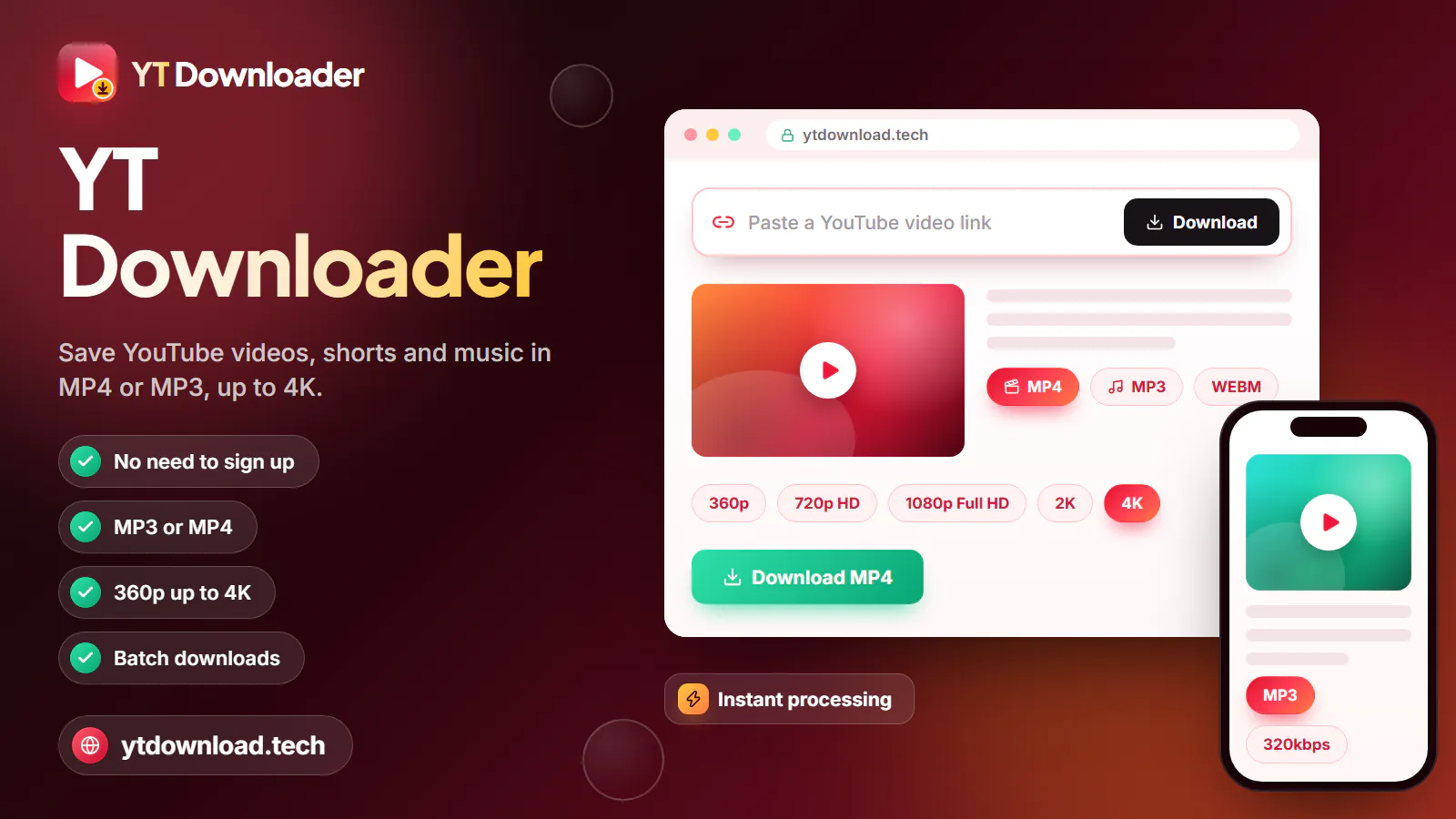
YT Downloader works as a free YouTube Shorts downloader in any browser, on a phone or a computer. Paste a Shorts link, choose MP4 to keep the vertical video with its sound, or MP3 to keep only the audio, and press Download. You do not need an app, an extension or an account.
How to

The steps are the same on Android, iPhone, iPad and desktop. Only the way you copy the link changes, which is covered in the device tips below.
What you get
Here is exactly what the file contains and what the tool can and cannot do with Shorts.

The MP4 keeps the Short's tall 9:16 shape. Nothing is cropped, stretched or letterboxed into a wide frame.
Picture and audio are saved together in one MP4 that plays in your gallery, Photos, VLC or any video editor.
Choose 360p, 480p, 720p or 1080p. Only the qualities the creator uploaded are listed, so some Shorts stop at 720p.
Keep just the sound of a Short as an MP3 at 128, 192 or 320kbps, or as the original M4A audio track.
No payment, daily cap or login. You never give an email address to save a Short.
Paste one link at a time. Downloading every Short on a channel in one go, 4K files, thumbnails and captions are not supported.
Device tips
Getting the link is the step most people get stuck on, because the Shorts player hides the address bar. Here is where to find it on each device, and where the saved file appears.
In the YouTube app, tap the Share arrow on the right side of the Short, then Copy link. Open this page in Chrome, paste and download. The MP4 is saved in Downloads and also appears in your gallery.
Tap Share on the Short, then Copy link, and paste it here in Safari. When the download finishes, open Files, then Downloads. To move the video to Photos, tap Share and Save Video.
Open the Short on youtube.com and copy the address from the address bar; it looks like youtube.com/shorts/ followed by an 11-character ID. The file goes to your Downloads folder.
If a friend sent you a Short in a chat app, long-press the link, choose Copy, and paste it here. Shortened youtu.be links work too.
After the download
The file goes wherever your browser saves downloads. Here is how to find it and open it on each device.
Chrome saves the Short to the Downloads folder. Open it from the download notification, from Downloads in the Chrome menu or from the Files app. An MP4 also shows up in your gallery, and an MP3 or M4A file opens in any music player.
Safari may ask you to confirm the download, then saves the file in Files, under On My iPhone (or On My iPad), then Downloads. Open Files and tap the Short to play it. To add it to Photos, tap Share, then Save Video. MP3 and M4A files stay in Files.
The file goes to your Downloads folder. On Windows, open File Explorer and choose Downloads; on a Mac, open Finder and choose Downloads, or click the download icon in your browser. Double-click the MP4 to play it, or drag it into a video editor.
Audio only
To keep only the sound of a Short, paste its link, open the Format menu and choose MP3 or M4A instead of MP4, then press Download. The picture is left out, so you get a small audio file for any music app.
MP3 is converted on our server at 128, 192 or 320kbps and plays on almost every phone, computer, car stereo and speaker. A higher bitrate makes a bigger file, but it cannot add detail that the Short's original audio does not have. The conversion takes a moment, and the download starts on its own when it is ready.
M4A is the Short's original AAC audio track, saved as it is with no conversion. It plays on iPhone, iPad, Mac, Android and Windows. Pick M4A when your device plays it and you want the audio exactly as YouTube stores it, and MP3 when an older player only accepts MP3. If a format is not listed for a Short, it is not available for that clip.
Troubleshooting
If you see "That doesn't look like a YouTube link", the paste does not point to one Short. Tap Share, then Copy link, and paste the whole address again. Links to a channel, a search or the Shorts feed do not work; the link must contain the Short's 11-character ID.
Private, members-only, age-restricted, removed and region-locked Shorts usually cannot be saved, and the tool says the video could not be read. Check that the Short plays on YouTube while you are signed out. If it does not, it cannot be saved here.
Preparing a file can take a minute or two, and an MP3 needs an extra moment to convert. Keep the page open until it says your download has started. For MP4 and M4A, tap "Not started? Save the file here." if nothing appears. On iPhone, confirm Safari's download prompt. If the file took too long, press Download again.
Every MP4 is saved with picture and sound together. If a saved Short is silent, play it on YouTube: when the original is muted or its music was removed, the file is silent too. Otherwise check the volume and the silent switch, or open the file in another player such as VLC.
Use it fairly
Saving a Short to watch later is different from posting it again. Before you reupload a clip to another platform, ask the creator for permission, credit them by name and link to the original Short, and do not claim it as your own or earn money from it. Many creators are happy to say yes when you ask first.
Music in Shorts is often licensed from YouTube's audio library for use on YouTube only. A clip that plays fine on YouTube can be muted or blocked when posted somewhere else, so check the music rights too.
YT Downloader is an independent tool and is not affiliated with YouTube or Google. Save only Shorts you made yourself, Shorts the creator allows you to keep, and Creative Commons, public-domain or royalty-free clips, and follow YouTube's terms.
Questions
In the YouTube app, tap Share on the Short and choose Copy link. Open this page in Chrome or Safari, paste the link, pick MP4 or MP3 and press Download. On Android the file goes to Downloads; on iPhone it goes to Files, then Downloads.
Yes. YT Downloader runs in your mobile or desktop browser, so you do not install an app, a browser extension or a desktop program. Be careful with any site that asks you to install software just to save a Short.
No watermark or logo is added by YT Downloader. The MP4 is the Short as it was uploaded, including any text or stickers the creator placed on the video themselves.
You can choose 360p, 480p, 720p or 1080p, but only the qualities the creator uploaded are offered. Many Shorts are filmed on phones in 1080p, while some stop at 720p. 4K downloads are not available.
Yes. Paste the Shorts link, choose MP3 at 128, 192 or 320kbps, or M4A, and press Download to keep only the sound. Remember that music in Shorts is usually copyrighted, so keep it for personal listening only when you have the right to.
No. The tool saves one Short per link, and channel-wide or batch downloads are not supported. Open each Short you are allowed to save, copy its link and download it on its own.
Paste the link from the Share button (youtube.com/shorts/ plus an 11-character ID), a youtu.be link, a www. or m.youtube.com Shorts address, or a youtube.com/watch?v= link. The 11-character ID on its own also works. Links to a channel, a search or the Shorts feed are not accepted, because they do not point to a single Short.
Private, members-only, age-restricted and removed Shorts cannot be saved. Check that you copied the full link and that the Short plays on YouTube without signing in, then try again. If it still fails, the service may be busy for a moment.
YouTube Premium's offline downloads stay inside the YouTube app. You cannot open them in your gallery or Files, edit them, or move them to another device, and they stop playing if your membership ends. A file saved here is a normal MP4, MP3 or M4A that stays on your device and opens in any app.
It depends on the Short and where you live. Saving your own Shorts, or clips that are Creative Commons, public domain or shared with the creator's permission, is generally fine. YouTube's terms restrict downloading other content, and reposting someone's Short without permission can infringe copyright. This is not legal advice.
Paste a Shorts link and keep the vertical video as MP4 with sound, or the audio as MP3 up to 320kbps. Free, in your browser, with no sign-up.

Updated