MP3 in Three Bitrates
Convert a track to MP3 at 128, 192 or 320kbps. MP3 plays in every music app, car stereo, smart speaker and old MP3 player.
Songs, mixes and YouTube Music links to MP3
This YouTube music downloader saves the audio from a YouTube or YouTube Music link as an MP3 at 128, 192 or 320kbps, or as the original M4A track. It accepts youtube.com watch links, youtu.be short links, Shorts and music.youtube.com song links, so you can paste a track straight from the YouTube Music app. No app or account is needed.
This YouTube music downloader saves the audio from a YouTube or YouTube Music link as an MP3 at 128, 192 or 320kbps, or as the original M4A track. Paste one link, pick a format and press Download, and the file goes straight to your phone, tablet or computer.
It accepts youtube.com watch links, youtu.be short links, Shorts and music.youtube.com song links, so you can paste a track straight from the YouTube Music app. Single songs, live sessions, rehearsal takes, DJ sets and albums uploaded as one long video all work, for audio up to about three hours.
No app or account is needed. The downloader runs in Chrome, Safari, Firefox or Edge on Android, iPhone, iPad, Windows, Mac, Linux and Chromebook. Use it for your own recordings, royalty-free and Creative Commons tracks, and music the artist allows you to keep.
How to use

Saving one track takes under a minute on a phone or a computer. Album and playlist links are not accepted, so open each song and copy its own link.
What you get
Everything the tool can do for music, and the limits, in one place.

Convert a track to MP3 at 128, 192 or 320kbps. MP3 plays in every music app, car stereo, smart speaker and old MP3 player.
Pick M4A to save the audio track as YouTube serves it, with no second round of compression. It plays on iPhone, Android, Mac and Windows.
Paste a music.youtube.com song link exactly as the app copies it. Standard YouTube watch links, youtu.be links and Shorts work too.
Audio up to about three hours can be converted, which covers most DJ mixes, concert recordings, full albums uploaded as one video and lo-fi streams saved after they end.
Works in the browser on Android, iPhone, iPad, Windows, Mac, Linux and Chromebook, with nothing to install and no extension.
Want the picture as well? Choose MP4 to save a music video with sound in 360p, 480p, 720p or 1080p, depending on the upload.
No payment, subscription, email address or login. One link at a time, with no download counter to run out.
Audio quality
YouTube streams most music at roughly 128 to 160kbps, so a higher MP3 bitrate cannot add detail that was not in the upload. What it does is avoid adding new compression loss when the track is converted, which you hear more in music than in speech.
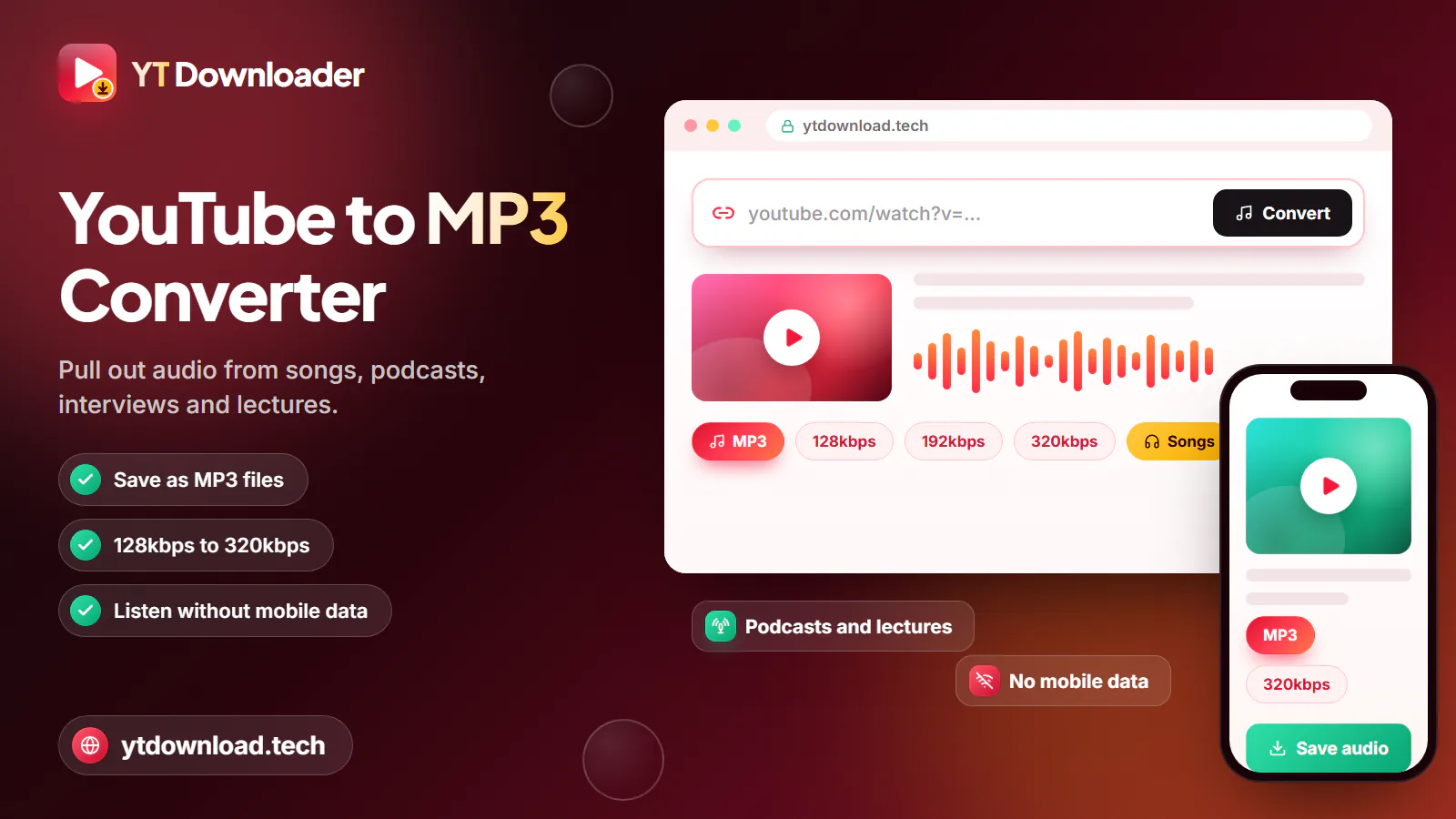
Keeps the most of the original sound when converting, for headphones, home speakers and car audio. About 2.4MB per minute, so a four-minute song is near 10MB.
A sensible middle ground for phone libraries and earbuds. About 1.4MB per minute, roughly 40 percent smaller than 320kbps, with little audible difference on most tracks.
The smallest file, at about 1MB per minute. Fine for long DJ mixes, background playlists and phones with little free storage, but cymbals and reverb can sound thinner.
Saves the audio exactly as YouTube provides it, so nothing is re-encoded. Choose it when you want the cleanest copy and your player supports M4A.
Responsible use
Most commercial songs on YouTube are protected by copyright, and YouTube's terms do not allow downloading them without permission. Save tracks you recorded yourself, songs the artist or label lets you keep, and music released under a Creative Commons licence, in the public domain or as royalty-free.
Creators who need background music can start with the Audio Library in YouTube Studio, which offers free tracks for use in your own videos; some ask for attribution in the description. Royalty-free music still comes with a licence, so read its terms before you add it to a video, podcast or stream.
For songs you do not own, YouTube Music Premium offers official offline listening that supports the artists. YT Downloader is an independent tool and is not affiliated with YouTube or Google, and you should never repost, share or sell music you do not have the rights to.
Questions
Yes. In the YouTube Music app or at music.youtube.com, tap Share and Copy link on a song, then paste it here. A single song link works like any YouTube video link. Album and playlist links are not supported, so open each song and copy its own link.
Choose 320kbps for listening on good headphones or speakers, 192kbps for a phone library where space matters, and 128kbps for long mixes or very limited storage. If your player supports it, M4A keeps the audio as YouTube provides it with no conversion at all.
Somewhat. YouTube streams most music at roughly 128 to 160kbps, so 320kbps cannot restore detail the upload never had. It does avoid adding a second layer of compression loss during conversion, so it usually sounds closer to the original than a 128kbps file.
It depends on the song and where you live. Saving your own recordings, Creative Commons or public-domain music, or tracks the artist allows is generally fine. YouTube's terms do not allow downloading other music without permission, and sharing or selling copyrighted songs can break the law. This is not legal advice.
Not yet. The downloader takes one link at a time, and playlist or album links are not accepted. Open the playlist, copy the link of each song you want and download them one by one. If an album was uploaded as a single long video, you can save it in one go.
Start with the Audio Library in YouTube Studio, which offers free tracks for use in your own videos. Many musicians also publish songs under Creative Commons licences. Check each licence before you use a track: some require credit in the description, and some do not allow commercial use.
Open this page in Safari, paste the song link and download the MP3 or M4A. The file is saved in the Files app under Downloads, where you can play it directly. To add it to your Music app library, sync it from a computer with Finder or iTunes.
Private, members-only, age-restricted and region-blocked videos cannot be saved, and some official music videos are blocked by the label in certain countries. Check that the song plays on YouTube without signing in and that you copied a single song link, not a playlist, then try again.
Paste a YouTube or YouTube Music song link and save it as MP3 up to 320kbps or as M4A on your phone or computer. Free, no app, no sign-up.

Updated