UK guide: mobile, laptop and Mac

How to Download YouTube Videos on Mobile and Laptop

  • No software needed
  • Android, iPhone, Windows, Mac
  • MP4 up to 1080p
  • MP3 up to 320kbps

Quick answer

Copy the YouTube link, paste it into a browser downloader like YT Download, pick MP4 for video or MP3 for audio, then tap Download. The file goes straight to your mobile or laptop, ready to watch offline. YouTube Premium also lets you save videos, but only for offline viewing inside the YouTube app.

Your options

Your Options: App, Browser or Laptop

If you've ever wondered how to download videos on YouTube itself, the answer is that the app only does it for Premium subscribers, and the videos never leave the app. A browser downloader gives you an actual file instead. Here's how the routes compare.

A laptop downloads folder and a mobile phone showing YouTube videos saved for offline viewing
  • In the YouTube App (Premium)

    YouTube Premium also lets you save videos, but only for offline viewing inside the YouTube app. You can't move them to a laptop, edit them or play them elsewhere, and they need a connection now and then to stay available. It's the official choice for music and programmes you don't own.

  • In Your Mobile's Browser

    Paste a link into this page in Chrome or Safari and you get an MP4 or MP3 in your Downloads, gallery or Files app. Nothing to install, no account, and the file is yours to keep for the commute.

  • On Your Laptop

    Exactly the same page in Edge, Chrome, Safari or Firefox. Handy for bigger 1080p files, for copying videos onto a USB stick for the car or a TV, and for editing your own uploads.

  • What to Skip

    Desktop programs you have to install, unknown APK files and Chrome extensions that want access to every site. You don't need any of them, and each one is a risk the browser route avoids.

Step by step

Step by Step: Download a YouTube Video

Four steps on a mobile and laptop: copy the YouTube link, paste it, choose MP4 or MP3, then save

Copy the YouTube link, paste it into a browser downloader like YT Download, pick MP4 for video or MP3 for audio, then tap Download. The file goes straight to your mobile or laptop, ready to watch offline.

That's how to download a video from YouTube in one sentence, and these are the same steps people mean when they search for how to download YT videos. Below is each step with the settings that make a difference.

Two tips before you start. First, do your downloading at home on broadband the night before a journey; train Wi-Fi and airport Wi-Fi are rarely quick enough for a 1080p file. Second, match the quality to the screen: 720p is plenty on a mobile and takes roughly half the space of 1080p, while 128kbps MP3 is ideal for podcasts and audiobooks at about 1 MB per minute. If the quality you want isn't listed, the video was never uploaded at that resolution, so pick the highest one shown.

  1. On YouTube, open the video and copy its link: Share, then Copy link in the app, or the address bar on a laptop.
  2. Paste it into the box at the top of this page and give it a second to load the qualities available for that video.
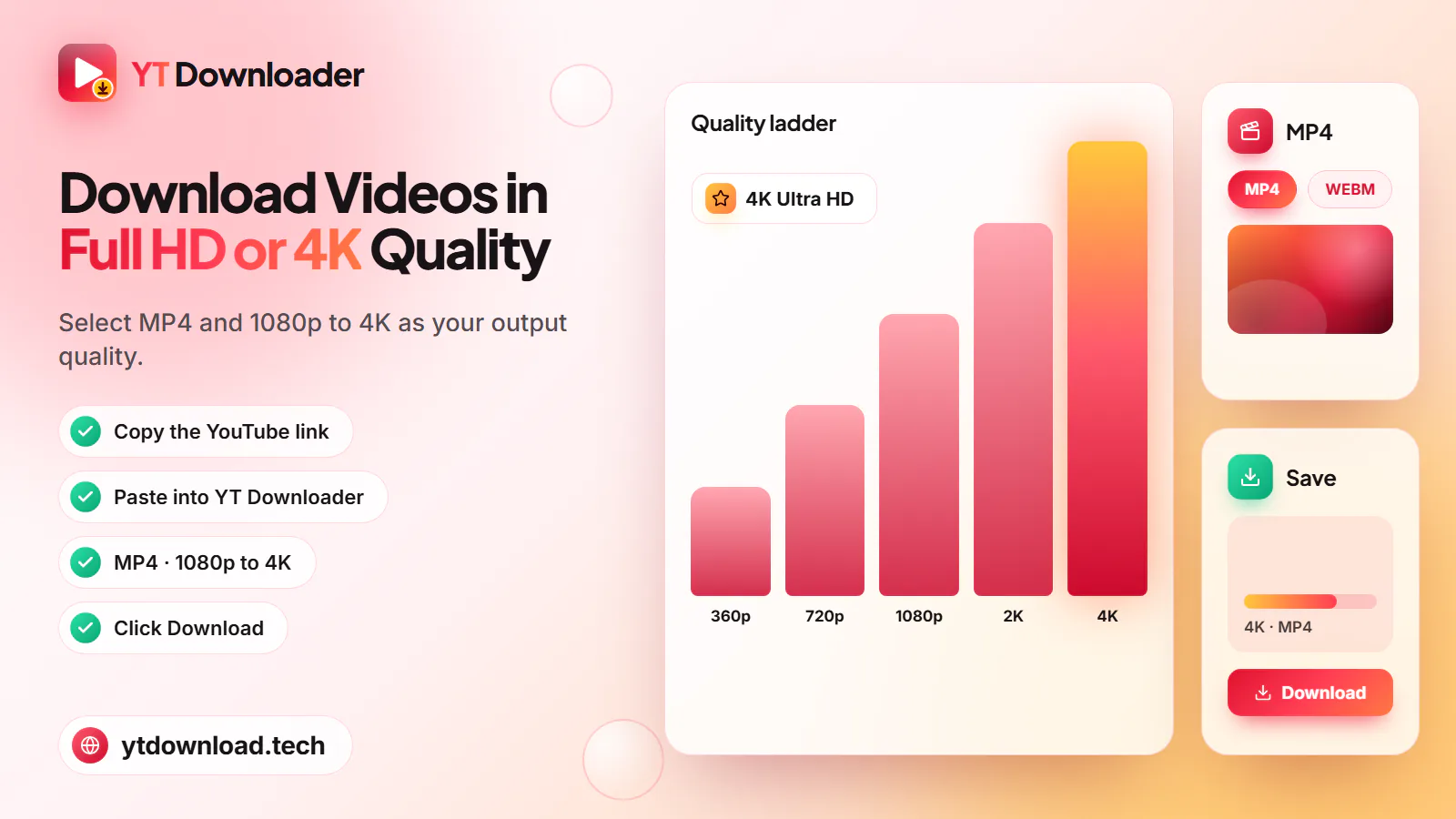
  3. Pick MP4 for picture and sound (1080p, 720p, 480p or 360p, whichever the upload has) or MP3 at 128, 192 or 320kbps for audio. M4A keeps YouTube's original audio.
  4. Tap Download, keep the page open while the file is prepared, then save it. The file name should end in .mp4, .mp3 or .m4a.

Mobile

On Your Mobile: Android and iPhone

Android guide
A mobile beside an MP4 preview with 360p to 1080p options, saving a YouTube video on Android or iPhone

To download a YouTube video to your phone you just need the browser that came with it. On Android, use Chrome or Samsung Internet; the file goes to Downloads and appears in your gallery a few seconds later. On iPhone, use Safari; the file goes to the Files app under Downloads, and you can move it into Photos by opening it, tapping Share and choosing Save Video.

Mind your data allowance. Downloading from YouTube to your phone over 4G or 5G counts against your monthly data, and a 720p MP4 is about 10 to 20 MB per minute. Save on Wi-Fi at home, then watch on the bus, the Tube or the train without spending a megabyte.

How to save a YouTube video on your mobile

  1. In the YouTube app, tap Share, then Copy link.
  2. Open ytdownload.tech in Chrome (Android) or Safari (iPhone) and paste the link.
  3. Choose MP4 at 720p for a sharp picture on a phone, or 360p to keep the file small.
  4. Tap Download and confirm when your browser asks to save it.
  5. Find it in Downloads or your gallery on Android, or in Files > Downloads on iPhone.

Laptop and desktop

On a Laptop: Windows, Mac and Chromebook

iPhone guide
Quality options with 1080p Full HD selected for downloading a YouTube video on a Windows laptop or Mac

Learning how to download YouTube videos to a computer used to mean installing a program. It doesn't any more. This page runs in your browser, so there's no YouTube video downloader for Chrome to add, no software to keep updated and nothing that can change your settings.

On a Windows laptop or PC, open the video on youtube.com in Edge or Chrome, copy the address and paste it here. The file goes to the Downloads folder in File Explorer, and MP4s open in the Media Player app or VLC. That's the whole answer to how to download YouTube videos to a PC.

For a YouTube download on a Mac, use Safari or Chrome in exactly the same way. Files land in Downloads in Finder; MP4 opens in QuickTime Player, and MP3 or M4A plays in the Music app. On a Chromebook, use Chrome and look in the Files app under Downloads. School and work Chromebooks may have downloads switched off by the administrator.

A laptop is the best place for large 1080p files, which run about 15 to 35 MB per minute. From there you can copy them to a tablet, a USB stick for the car or a smart TV for the holidays.

How to download a YouTube video on a laptop or Mac

  1. Open the video on youtube.com and copy the URL from the address bar.
  2. Paste it into the box at the top of this page.
  3. Select MP4 and choose 1080p (or the highest quality listed), or select MP3 for audio only.
  4. Click Download, then open the file from your Downloads folder.

Check first

Videos That Can't Be Downloaded (and Why)

Some videos won't save, here or anywhere else that plays by the rules. If a link fails, it's usually one of these.

  • Private Videos

    Only the uploader and the people they've invited can watch them, so there's nothing public to fetch.

  • Members-Only Videos

    They're locked to paying channel members and need a signed-in account, which YT Download never uses.

  • Age-Restricted Videos

    YouTube only plays these to signed-in, age-verified accounts, so they can't be saved.

  • Region-Blocked Videos

    If a video isn't available in the UK, it can't be saved here either. Check it plays on YouTube without signing in.

  • Live Streams Still Running

    There's no finished file until the stream ends. Wait for the replay to go up and paste that link instead.

  • Films You Bought or Rented

    Purchased and rented films on YouTube are copy-protected (DRM). Download them inside the YouTube app.

  • Links to a Whole Playlist

    A youtube.com/playlist link isn't one video, so it won't load. Open the first video you want from the playlist, copy that link, and save the rest one at a time.

Questions

Downloading YouTube Videos: FAQs

Yes. YouTube Premium lets you save videos inside the YouTube app, and a browser downloader such as YT Download saves them as MP4 or MP3 files on your mobile or laptop. Private, members-only, age-restricted and region-blocked videos can't be saved either way.

Yes. YT Download costs nothing and needs no account or card. The site may show adverts, so save files only from the Download button on this page and close any pop-up that asks you to install something.

Open the video on youtube.com, copy the address, paste it into the box at the top of this page, choose MP4 or MP3 and click Download. On Windows the file goes to Downloads in File Explorer; on a Mac it goes to Downloads in Finder.

In the YouTube app tap Share, then Copy link, and paste it here in Chrome or Safari. Choose a format and tap Download. On Android the file shows in Downloads and your gallery; on iPhone it's in Files under Downloads, and Share then Save Video moves it to Photos.

No. YT Download works on a normal web page, so there's nothing to add to Chrome, Edge or Firefox. That's safer too, because an extension can ask for permission to read and change every site you visit, and a web page can't. Close any pop-up that tells you an extension is needed to continue.

Open the video in Safari or Chrome, copy the URL, paste it into this page and click Download. The file lands in your Downloads folder in Finder. MP4 opens in QuickTime Player, and MP3 or M4A plays in the Music app.

It depends on the video and what you do with it. Your own uploads, Creative Commons videos used within their licence and videos the creator lets you keep are generally fine; other content needs permission under YouTube's Terms and UK copyright law. This isn't legal advice.

Paste the link as normal. Long videos take longer to prepare, so keep the page open until the save prompt appears, and use Wi-Fi rather than mobile data. As MP3, audio up to about three hours converts; as MP4, an hour at 720p is roughly 600 MB to 1.2 GB, so check your free space first.

Try It Now

Got a link copied? Paste it in the box at the top and save it as MP4 up to 1080p or MP3 up to 320kbps on your mobile or laptop. Free, no sign-up.

  • No sign-up
  • MP4 up to 1080p
  • MP3 up to 320kbps
Pasting a YouTube link into the downloader and pressing Download, with a mobile showing the saved file

Updated