128kbps: Speech and the Commute
About 1 MB per minute, so an hour-long podcast is roughly 58 MB. Voices stay perfectly clear, which makes this the pick for podcasts, lectures and audiobooks on a phone with a small mobile data allowance.
YouTube to MP3 up to 320kbps
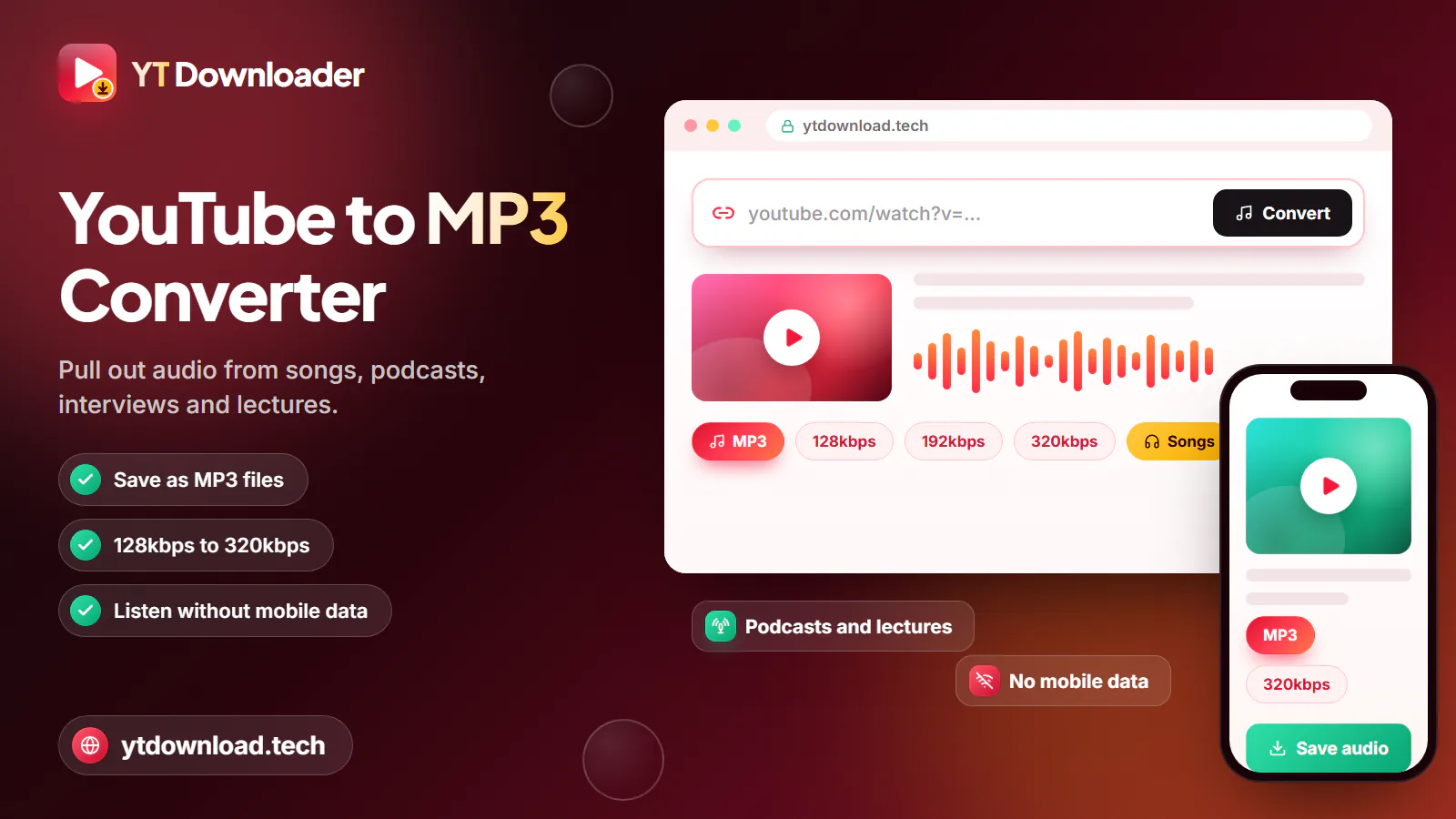
For a YT MP3 download, paste one YouTube link into the box above, choose MP3, pick 128, 192 or 320kbps and press Download. The converter extracts the audio, encodes it as MP3 and saves it to your mobile or laptop. It is free, needs no sign-up and handles audio up to about three hours.
How it works
For a YT MP3 download, paste one YouTube link into the box above, choose MP3, pick 128, 192 or 320kbps and press Download. The converter extracts the audio, encodes it as MP3 and saves it to your mobile or laptop. It is free, needs no sign-up and handles audio up to about three hours.
This is an online converter, so there is nothing to install: you download MP3 from YT straight in Chrome, Safari, Firefox or Edge. Our server fetches the video's audio track, re-encodes it as an MP3 at the bitrate you picked and hands the file back to your browser. The video picture is never downloaded, which keeps the file small, and the title and artist from the video are written into the MP3 so it is easy to find in your music app.
MP3 is the safe choice when you want the file to play anywhere: an Android music player, the Files app on an iPhone, Windows Media Player, a Bluetooth speaker in the kitchen or the USB port in a car. If you would rather keep the sound exactly as YouTube stores it, use YouTube to M4A instead; it copies the original audio without converting it.
To be clear about the limits: the converter handles one link at a time, audio up to about three hours, and standard videos, Shorts and music.youtube.com song links. It cannot convert whole playlists, live streams that are still running, or private, members-only, age-restricted and region-blocked videos.
How to

The same five steps work on an Android mobile, an iPhone, a Windows laptop or a MacBook. If you are converting a long lecture or podcast, do it on Wi-Fi before you leave the house rather than on the train, where the signal drops in and out.
Bitrate in plain English
A higher bitrate keeps more of the sound and makes a bigger file. Pick by what you are listening to, and by how much storage and mobile data you have to spare.
About 1 MB per minute, so an hour-long podcast is roughly 58 MB. Voices stay perfectly clear, which makes this the pick for podcasts, lectures and audiobooks on a phone with a small mobile data allowance.
About 1.4 MB per minute. The sensible middle for songs on earbuds or a Bluetooth speaker, where most people cannot tell it apart from 320kbps.
About 2.4 MB per minute, so a four-minute song is close to 10 MB. Choose it for music on good headphones or speakers, or if you might edit the audio later.
YouTube usually streams audio at around 128 to 160kbps. 320kbps keeps all of it with the least extra loss, but it cannot add detail the original never had. For the closest copy, choose M4A.
Finding the file
Every browser saves to its download location. Here is where to find the MP3 and how to play it.

As a YouTube MP3 downloader on Android, the page saves to the Downloads folder. Samsung, Pixel and other music apps pick the file up from there, or open it in Files by Google or My Files.
Open the Files app and tap Downloads. The MP3 plays straight from there; to put it in the Music app, sync it from a Mac or Windows PC.
The MP3 lands in your Downloads folder. Open it in VLC, Windows Media Player or Apple Music, or copy it to a memory stick.
Open your browser's downloads list (the arrow icon in Chrome and Edge, or the downloads button in Safari) and tap the file to reveal where it was saved.
There is no playlist button. Copy each video link in turn and convert them one by one; most songs take a few seconds each.
MP3 plays on practically everything, including older car stereos. M4A keeps YouTube's original audio unconverted and is usually smaller than a 320kbps MP3.
Use it fairly
Only convert audio you are entitled to keep: your own uploads, podcasts and lectures whose creators allow downloads, Creative Commons or public-domain recordings, and royalty-free music whose licence allows it. If you are unsure, check the video description or ask the creator.
In the UK you need to stay within the Copyright, Designs and Patents Act 1988 and YouTube's Terms of Service; this page is not legal advice. YT Downloader is independent and not affiliated with YouTube or Google. Do not share, repost or sell MP3s of other people's work, and for chart music use a licensed streaming service with offline listening, such as YouTube Music Premium.
Questions
Copy the YouTube link, paste it into the box at the top of this page, choose MP3 and a bitrate, then press Download. The converter extracts the audio, encodes it as MP3 and saves it to your mobile or laptop. It usually takes seconds for a song.
Open the video, tap Share and Copy link, then paste the link here. Select MP3, choose 128, 192 or 320kbps and press Download. Only the sound is saved, not the picture.
Yes. There is no charge, no subscription and no account, and nothing to install. Use only the Download button on this page and close any pop-up that asks you to install software.
Use 128kbps for podcasts, lectures and audiobooks, especially if you want to save storage and data. Use 192kbps for everyday music and 320kbps for music on good headphones. A higher bitrate makes a bigger file but cannot improve on the original upload.
Yes. Open this page in Chrome or Samsung Internet, paste the link, choose MP3 and press Download. The file goes to your Downloads folder and appears in your music app.
Not in one go. The converter takes a single link at a time and does not accept playlist links. Copy each video link from the playlist and convert them one after another.
Paste a YouTube link, pick a bitrate and save the MP3 to your mobile or laptop for the commute, the gym or a long train journey. Free, no app, no sign-up.

Updated