Telly or Monitor: 1080p
About 150 to 350 MB per 10 minutes. The best quality offered, and it fills a 4K screen evenly when watched from the sofa.
Full HD downloads: 720p and 1080p MP4
This YouTube downloader for 1080p saves videos as MP4 in Full HD or 720p HD, with the sound in the same file. 4K, 2K and 8K uploads are offered at up to 1080p, because 1080p is the highest quality available. Paste a link, choose the top quality listed and press Download.
Full HD explained
This YouTube downloader for 1080p saves videos as MP4 in Full HD or 720p HD, with the sound in the same file. 4K, 2K and 8K uploads are offered at up to 1080p, because 1080p is the highest quality available. Paste a link, choose the top quality listed and press Download.
Two labels matter here. Full HD is 1080p, or 1920x1080 pixels, and it is the right choice for a laptop, a monitor or the telly. HD is 720p, or 1280x720, which looks crisp on any mobile and takes roughly half the space. As a YouTube HD downloader the tool also lists 480p and 360p when a video has them, which are handy for long lectures or a phone that is nearly full.
What you can choose depends on the upload. The quality menu is built from the versions YouTube actually holds, so this YouTube video downloader offers 1080p only when the creator filmed and uploaded in Full HD or above. An older clip shot on a phone might top out at 720p or 480p, and no setting can add detail that was never there.
Every file is an MP4 with the audio merged in and nothing added to the picture, so it plays straight away in the Android gallery, Photos on an iPhone, the Films & TV app on Windows or VLC on anything.
A sensible routine before a long train journey, say London to Edinburgh: save Full HD copies of a few tutorials or lectures over home Wi-Fi for the laptop, and 720p copies for your mobile. Patchy signal along the line then stops mattering, and your mobile data allowance is left alone.
How to

Going from YouTube to 1080p takes the same few taps as any other download; you just pick the top quality in the list. Full HD files are larger, so save them over Wi-Fi where you can.
Looking for 4K?
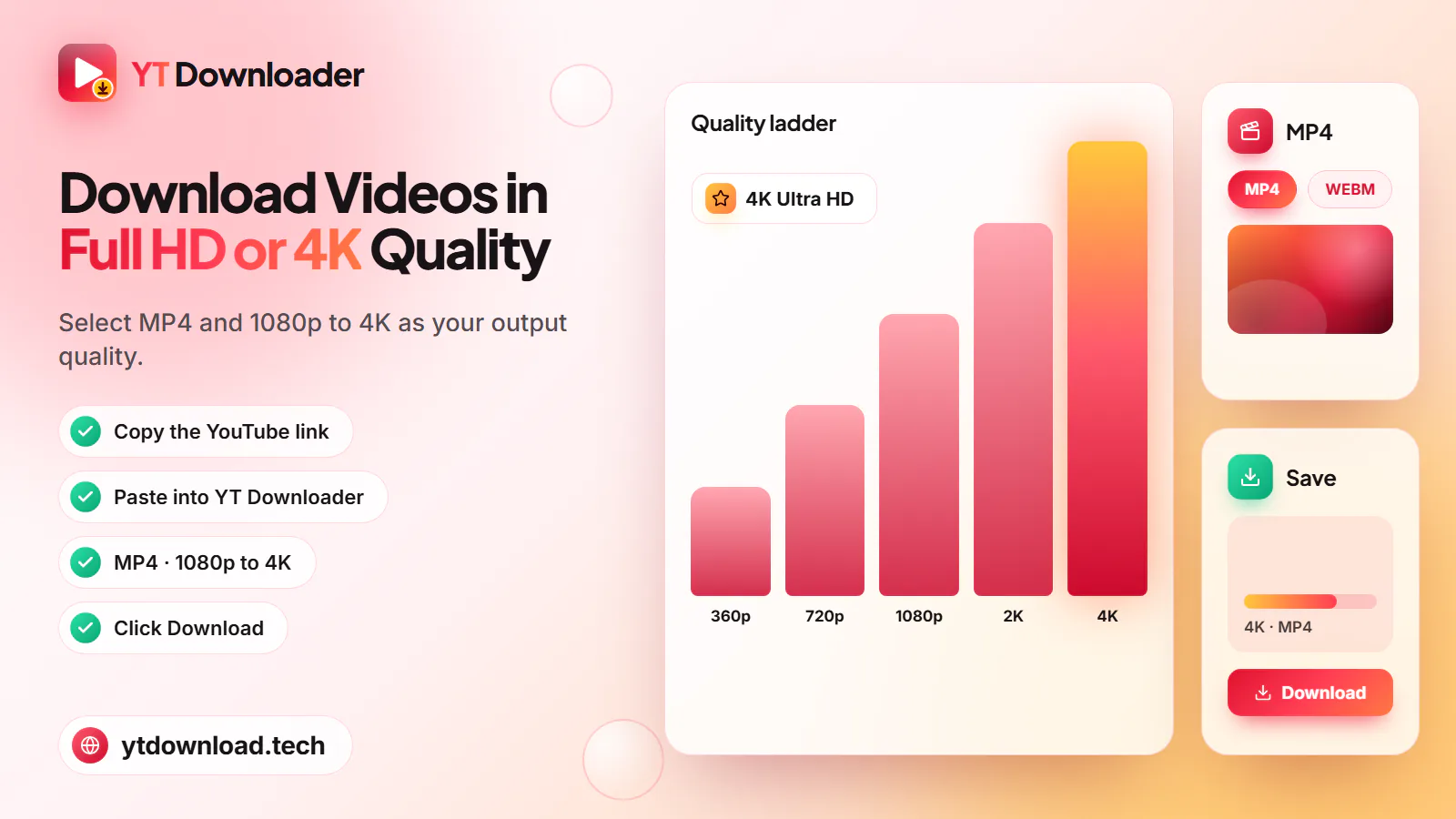
Plenty of people arrive here searching for a YouTube video download in 4K, so here is the plain answer: this is not a 4K YouTube downloader. 4K (2160p), 2K (1440p) and 8K uploads are all offered at up to 1080p, alongside 720p and the lower qualities they have. Files above 1080p build too slowly to be delivered reliably, so they are left out rather than offered and then failing halfway.
The same goes for anyone hoping to convert YouTube to MP4 in 4K: the MP4 you get is Full HD. We would rather say that up front than let you find out after the download.
How does 1080p look on a 4K telly? Better than you might think. A 4K screen has exactly four times as many pixels as 1080p, so it scales the picture up evenly. From the sofa, faces, motion and subtitles look clean. Close up, fine textures such as grass, hair or small on-screen text look softer than YouTube's own 4K stream.
There is no frame-rate option either. The list shows resolutions only, and the tool picks the most widely playable version at each height, so a 60fps match highlight or gaming video is not guaranteed to stay at 60 frames per second.
If you want the full 4K picture, stream it on YouTube itself. For official offline viewing, YouTube Premium offers downloads inside the YouTube app, and YouTube Studio lets you download your own uploads.
Whatever the quality, only save videos you are allowed to keep, such as your own uploads or Creative Commons material. In the UK that means respecting the Copyright, Designs and Patents Act 1988 as well as YouTube's Terms of Service; this is general information, not legal advice.
Data and storage
Sizes are rough figures for a 10-minute video; sport, gaming and 60fps footage are larger, while a lecture or talking head is smaller. As a rule of thumb, use 720p on mobile data and save 1080p for Wi-Fi or a laptop.
About 150 to 350 MB per 10 minutes. The best quality offered, and it fills a 4K screen evenly when watched from the sofa.
Choose Full HD for tutorials, slides and screen recordings, where small text needs to stay readable. Download at home or on the office Wi-Fi.
About 80 to 180 MB per 10 minutes. Sharp on a phone screen for roughly half the space of 1080p, ideal for a Tube or bus journey.
About 40 to 90 MB per 10 minutes. If you must download over mobile data, this keeps a small monthly allowance intact and still looks fine on a phone.
The video was uploaded below Full HD, or YouTube has not finished processing its HD versions. New uploads often show 360p first and gain HD later.
Questions
You cannot with this tool: the highest quality offered is 1080p Full HD. Paste a 4K video's link and you will see 1080p, 720p and lower options. To watch in genuine 4K, stream it on YouTube, or use YouTube Premium for official offline viewing in the app.
No. Every MP4 is saved at up to 1080p, even when the original upload is 4K or 8K. The 1080p file is the Full HD version YouTube itself serves, with sound included, and it looks sharp on mobiles, laptops and most TVs at a normal distance.
Copy the video's link, paste it into the box at the top of this page, choose MP4 and select 1080p, then press Download. 1080p appears only if the video was uploaded in Full HD or higher. If the top option is 720p, that is the best version available.
The quality list mirrors what YouTube holds for each video. Older uploads, many phone clips and some Shorts were filmed below 1080p, and brand-new uploads can show only 360p until YouTube finishes processing HD. If the gear menu on YouTube has no 1080p, it cannot be downloaded.
For watching on the phone itself, 720p is usually the better pick: it looks sharp on a small screen and uses about half the storage and data of 1080p. Choose 1080p if you will also play the file on a laptop or telly, or download over Wi-Fi anyway.
Yes. Downloading in 720p or 1080p costs nothing, and there is no paid tier that unlocks higher qualities. You do not need an account, a card or an email address, and there is no app to install.
Paste a YouTube link and download it as a Full HD or HD MP4 with sound. Free, in your browser, with no sign-up.

Updated