M4A Keeps the Original
M4A is the AAC track YouTube already stores, usually about 128kbps, saved without re-encoding. Roughly 58 MB an hour and usually the most faithful copy you can get.
Online YouTube audio downloader
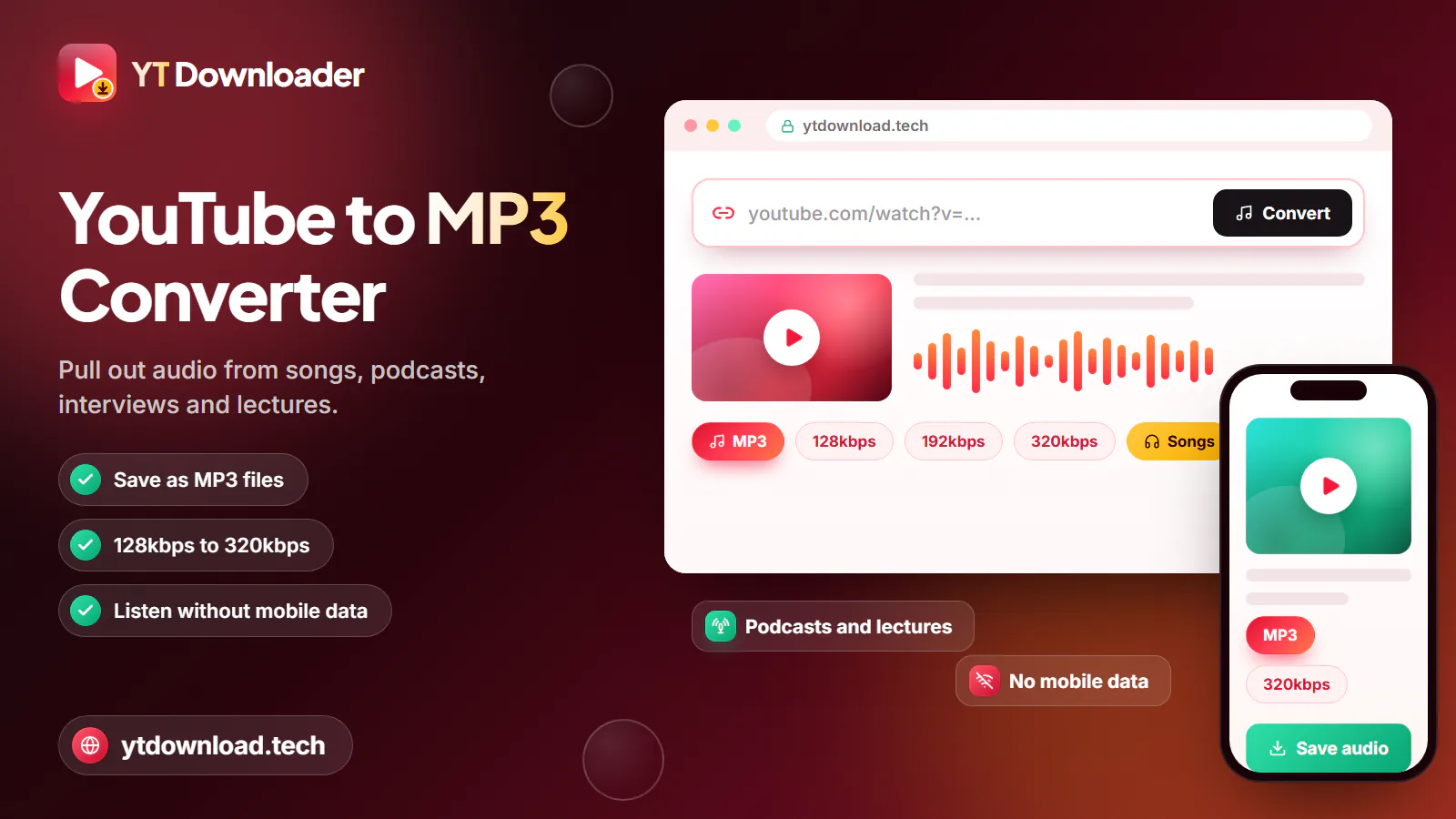
For a YT audio download, copy the YouTube link, paste it into the box above and press Download. Choose MP3 at 128, 192 or 320kbps if you need the file to play everywhere, or M4A to keep the original AAC audio without converting it. Save the file to your mobile or laptop and listen offline.
How to

For a YT audio download, copy the YouTube link, paste it into the box above and press Download. Choose MP3 at 128, 192 or 320kbps if you need the file to play everywhere, or M4A to keep the original AAC audio without converting it. Save the file to your mobile or laptop and listen offline.
Because the picture is left behind, a 50-minute lecture comes out at roughly 50 MB as a 128kbps MP3 or M4A, small enough to keep a term's worth on your phone.
Do the downloading on Wi-Fi at home, in the library or at uni rather than on a train journey, where the connection drops in tunnels and every megabyte comes out of your mobile data allowance. Once the file is saved, it plays in flight mode with the screen locked.
Format choice
As an online audio downloader for YouTube, the tool gives you two formats. Here is what separates them, with approximate sizes per hour.
M4A is the AAC track YouTube already stores, usually about 128kbps, saved without re-encoding. Roughly 58 MB an hour and usually the most faithful copy you can get.
MP3 is converted at 128, 192 or 320kbps (about 58, 86 or 144 MB an hour). Choose it for older car stereos, cheap MP3 players and some smart TVs.
MP3 conversion stops at about three hours of audio. M4A is not held to that limit, so a full-day conference stream can be saved as M4A if an AAC track exists.
A 320kbps MP3 cannot add detail the upload lacks. For speech, 128kbps sounds the same and uses less storage and data.
What to pick
Suggested settings for a YT download of audio, depending on what you are saving.

128kbps MP3. Clear speech, small files, and nothing streamed on the Tube where the signal disappears between stations.
M4A, or 128kbps MP3 if your player is fussy. Lecture capture rarely benefits from a higher bitrate.
128kbps MP3 for talks, explainers and language lessons you replay before exams, so a whole module fits on your phone.
M4A for the closest copy, or 320kbps MP3 for a USB stick or an older car stereo.
Download on Wi-Fi at home or uni, then listen offline. An hour at 128kbps is about 58 MB, against 144 MB at 320kbps.
There is no playlist mode. For a lecture series, copy each video link and save the parts one by one.
Finding the file
To download YouTube audio on Android, open this page in Chrome or Samsung Internet. The file is saved to the Downloads folder, and music apps, podcast players and Files by Google will all find it there.
On an iPhone or iPad, Safari puts the file in the Files app under Downloads, where it plays straight away; to move it into the Music app, sync it from a computer. On Windows laptops and Macs, look in the Downloads folder.
There is no app or extension involved, and private, members-only, age-restricted and region-blocked videos cannot be saved. Keep to audio you own, have permission to keep, or that is Creative Commons, public domain or royalty-free, and stay within the Copyright, Designs and Patents Act 1988 and YouTube's Terms of Service. This is not legal advice.
Questions
Paste the YouTube link into the box at the top of this page and press Download. Choose MP3 with a bitrate, or M4A for the original track, then save the file to your mobile or laptop.
Pick an audio format instead of MP4. Only the sound is downloaded, so you get an MP3 or M4A file that plays in any music app and uses far less storage than the video.
M4A is the better copy, because it is YouTube's original audio with no second compression. MP3 is the more compatible one, and it carries title and artist tags. For podcasts and lectures, either sounds the same.
Yes. Use Chrome or Samsung Internet, paste the link, choose MP3 or M4A and press Download. The file lands in your Downloads folder and shows up in your music or podcast app.
Yes. There is no charge, account or app. Use only the Download button on this page and close any pop-up that asks you to install something.
Paste a YouTube link and keep the sound as MP3 or the original M4A for the train, the gym or revision. Free, no app, no sign-up.

Updated