Official Audio and Topic Channels
"Official Audio" uploads and auto-generated "Artist - Topic" channels carry the cleanest version. Fan re-uploads and recordings from the crowd at a gig usually sound worse.
Free YouTube song downloader
This YouTube song downloader saves one track at a time from a YouTube or YouTube Music link. Paste the song's link into the box above, choose MP3 at 128, 192 or 320kbps or the original M4A, and press Download. The song saves to your mobile or laptop, with no app and no sign-up.
How to
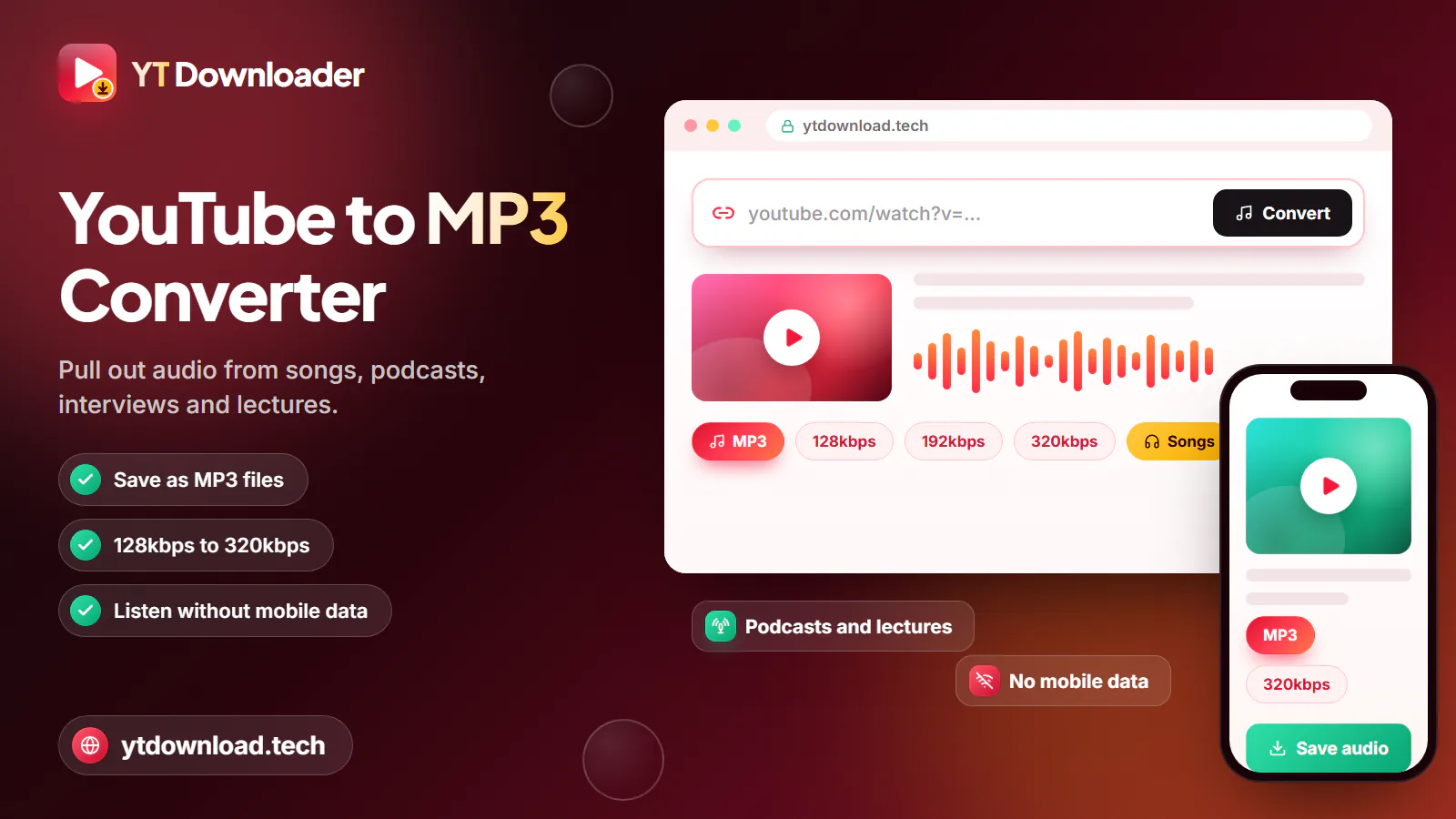
This YouTube song downloader saves one track at a time from a YouTube or YouTube Music link. Paste the song's link into the box above, choose MP3 at 128, 192 or 320kbps or the original M4A, and press Download. The song saves to your mobile or laptop, with no app and no sign-up.
For a YT song download from YouTube Music, copy the link of the song itself: album and playlist links are not accepted, so download YT Music songs one by one.
Sound quality
YouTube usually streams audio at around 128 to 160kbps. No setting can improve on the upload, so start with the best upload you can find.
"Official Audio" uploads and auto-generated "Artist - Topic" channels carry the cleanest version. Fan re-uploads and recordings from the crowd at a gig usually sound worse.
M4A keeps YouTube's own AAC audio without converting it, at about 1 MB per minute.
For a YT MP3 song download, 320kbps (about 2.4 MB a minute) adds the least new loss, 192kbps (about 1.4 MB) suits earbuds, and 128kbps (about 1 MB) saves the most space.
Music videos often add dialogue, sound effects or silence. The audio-only upload of the same song is cleaner to keep.
On your devices
Where songs are saved, and a couple of tips for listening on the go.

Songs go to the Downloads folder and show up in Samsung Music or any other music player. If a song does not appear, open Files by Google or My Files, go to Downloads and tap it.
Safari saves songs in Files, then Downloads, where they play straight away. Sync from a computer to add them to the Music app.
On Windows or a Mac, songs land in Downloads, ready for VLC, Windows Media Player or Apple Music, or to copy onto a memory stick for the car.
Download at home on Wi-Fi and listen offline on the Tube or a long train journey, instead of streaming on your mobile data allowance.
No install
You do not need a YouTube song download app. This downloader runs in Chrome, Safari, Samsung Internet, Firefox or Edge, so there are no app permissions and nothing to update. To reach it quickly, add the page to your home screen from your browser menu.
The tool is free, with no account or trial. Use only the Download button on this page and close any pop-up that suggests installing something. One link saves one song; there is no playlist or album mode.
Save only songs you own, songs licensed for download, or songs the artist has given you permission to keep. In the UK, follow the Copyright, Designs and Patents Act 1988 and YouTube's Terms of Service; this is not legal advice. For your favourite artists, a licensed streaming service with offline listening, such as YouTube Music Premium, pays them properly. YT Downloader is independent and not affiliated with YouTube or Google.
Questions
Copy the song's link, paste it into the box at the top of this page and choose MP3 or M4A. Press Download and save it to your mobile or laptop.
In the YouTube Music app, open the song, tap Share, then Copy link, and paste it here. Album and playlist links are not accepted, so save each song from its own link.
No. The downloader works in your mobile or laptop browser, with nothing to install. You can add it to your home screen for quick access.
The tool itself is free. Which songs you may save is a separate question: only download songs you own, that are licensed for download, or that the artist lets you keep. For everything else, YouTube Music Premium offers official offline listening.
M4A is the closest copy of the original, because it is not re-encoded. Choose MP3 at 320kbps if the song needs to play in an older car stereo or MP3 player, or 128kbps to save space.
Paste a song link and keep it as MP3 or the original M4A on your mobile or laptop, ready for the commute. Free, no app, no sign-up.

Updated