MP4 From 360p to 1080p
Picture and sound arrive in one MP4. You only see the qualities the uploader provided, so an old 480p clip stays 480p.
Free YouTube downloader for mobile and laptop
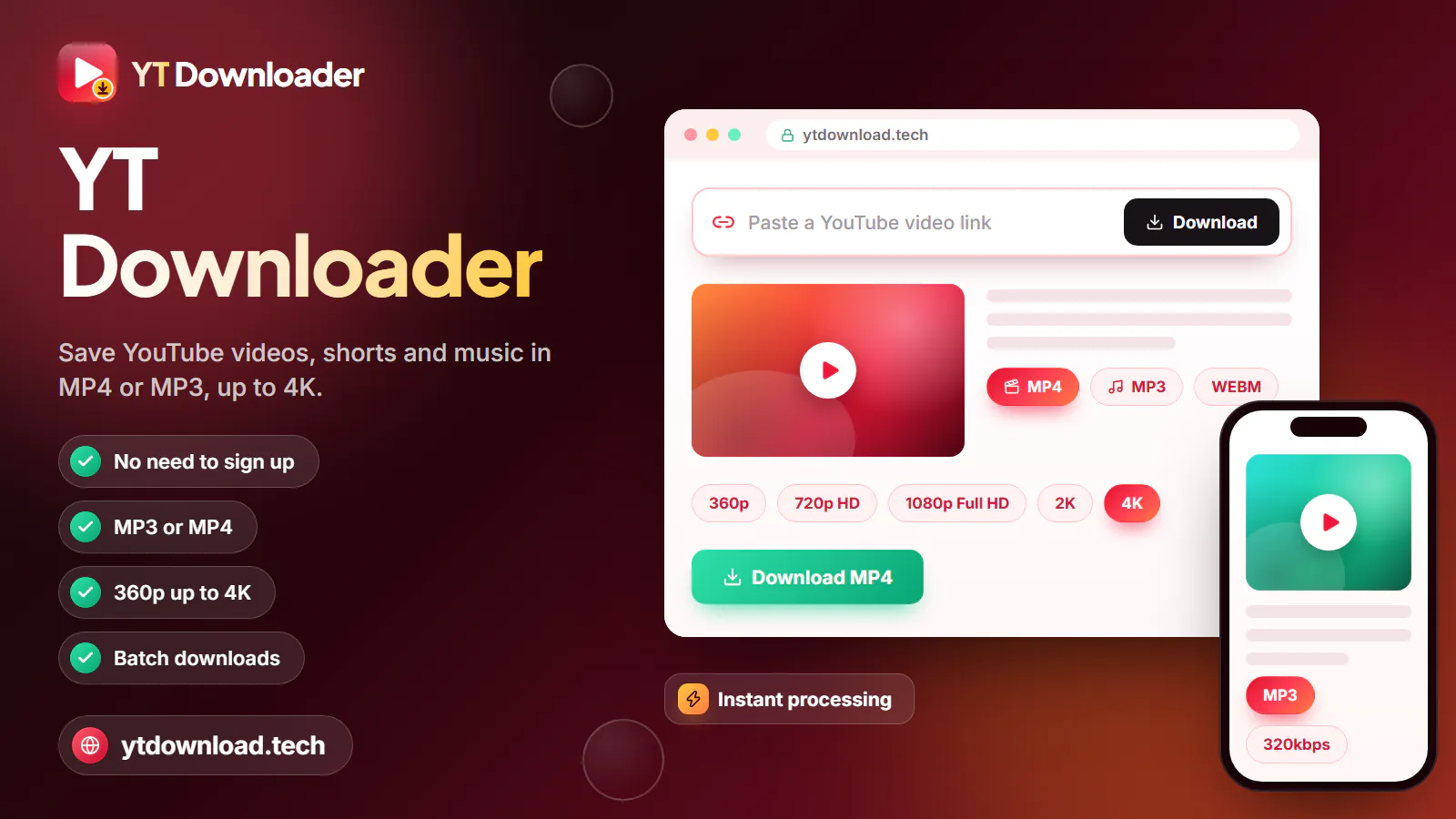
YT Download is a free YouTube video downloader that runs in the browser on your mobile, tablet or laptop. Paste a video or Shorts link, pick MP4 from 360p to 1080p or MP3 at 128, 192 or 320kbps, then tap Download. There's no app to install, no account to create and nothing to pay.
About the name
YT Download is a free YouTube video downloader that runs in the browser on your mobile, tablet or laptop. Paste a video or Shorts link, pick MP4 from 360p to 1080p or MP3 at 128, 192 or 320kbps, then tap Download. There's no app to install, no account to create and nothing to pay. The file turns up in your Downloads folder a few seconds later.
You'll see the site called a handful of things. Ytdownload is the address without the ".tech", so typing ytdownload.tech into your browser brings you straight here. YT download is how most people search for it, YT downloader and YT video downloader say what it does, YT vid downloader is the same with a shorter word, and "yt down" is the search people start and never finish. Same tool, whatever you call it.
It handles ordinary public uploads, Shorts, long lectures and full programmes posted as normal videos, and single tracks from music.youtube.com. A link copied from inside a playlist works too; you get that one video rather than the whole list. Links from the YouTube app, the mobile site, youtube.com and youtu.be are all fine.
YT Download is an independent service. It isn't affiliated with, endorsed by or run by YouTube or Google, and you never sign in with a Google account to use it.
How it works

To download a YouTube video here you need the link and about a minute. Whether you're on an Android in Chrome, an iPhone in Safari or a Windows laptop in Edge, the steps don't change, so a yt video download works the same on every device you own.
Tip for commuters: if you want to download YT video files for the week, do it the evening before on your home broadband. Anything saved on Wi-Fi is one less thing to stream on the 7:42, and replays cost nothing from your mobile data.
The honest version
Several YouTube downloader sites in the UK results promise 4K and 8K. This YouTube downloader doesn't, and it says so before you paste anything. Before you download YouTube videos with it, here is exactly what it handles and what it doesn't.

Picture and sound arrive in one MP4. You only see the qualities the uploader provided, so an old 480p clip stays 480p.
Pick 128, 192 or 320kbps. Audio up to about three hours converts, enough for a full podcast episode, a lecture or a radio-style show.
Prefer the untouched stream? M4A saves the audio as YouTube provides it, with no MP3 conversion.
Shorts, youtu.be links, mobile links and music.youtube.com song links are all accepted alongside normal watch links.
No 4K, 2K or 8K. A video uploaded in 4K is offered at up to 1080p Full HD.
No whole playlists, channels or batch jobs. Copy each video you need and save them one after another.
You get the whole video or its whole audio. Captions, trimming and thumbnails aren't offered; there's a manual thumbnail method further down.
Everything happens in the browser. Anything that asks you to install software to carry on isn't part of YT Download, so close it.
Pick a format
Think about where you'll be watching or listening before you choose. Sizes are rough figures per minute; busy action footage runs larger than a talking head or a slideshow.
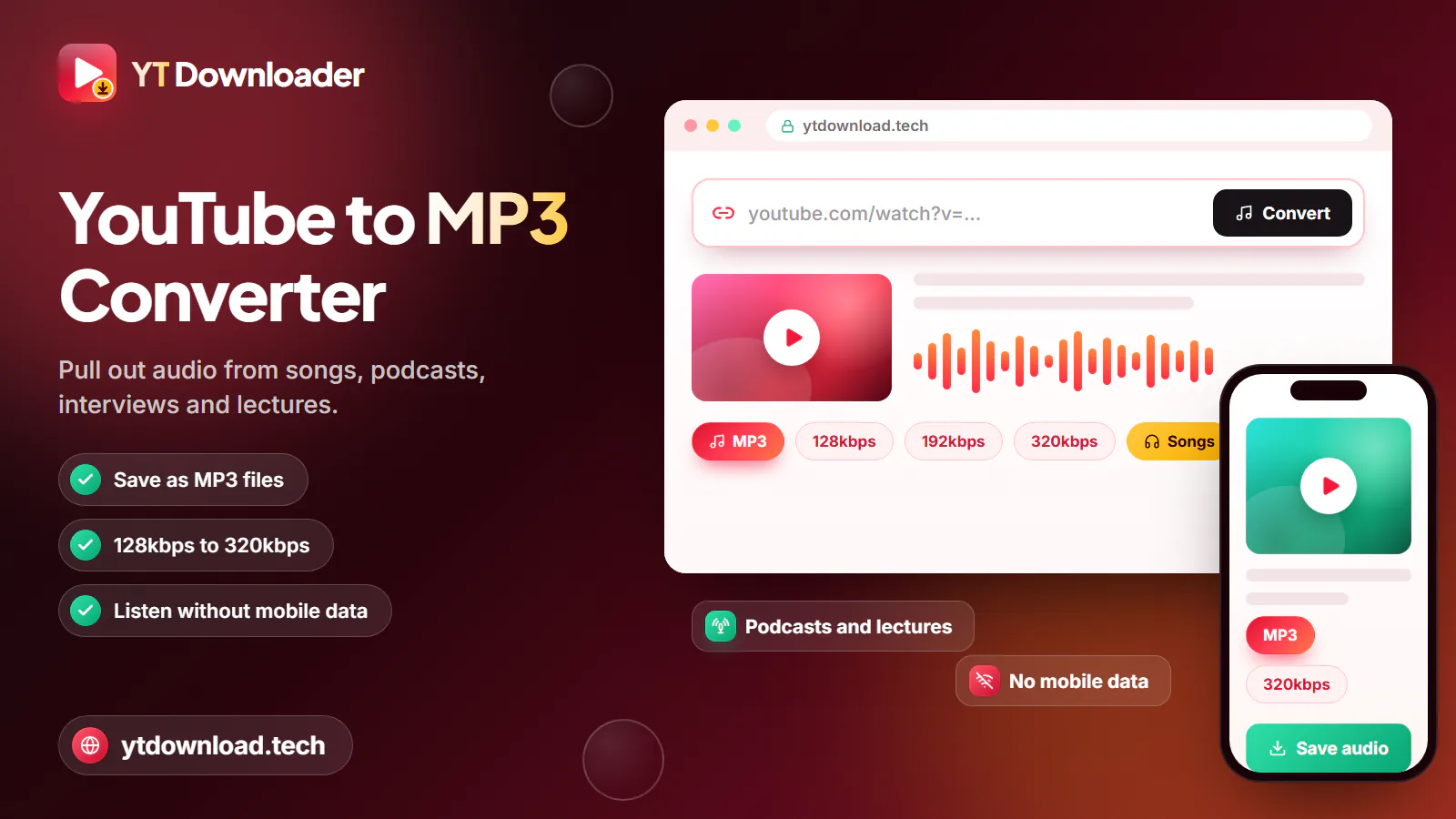
Signal on the Underground comes and goes between stations, so a podcast saved as a 128kbps MP3 keeps playing through the tunnels. At about 1 MB per minute, an hour-long episode is roughly 58 MB.
Train Wi-Fi is often patchy, so save YouTube video files before a long train journey. 720p is about 10 to 20 MB per minute and looks crisp on a mobile; 480p, at about 5 to 10 MB per minute, squeezes more onto a nearly full phone.
Load up a tablet or laptop before you fly. 1080p runs about 15 to 35 MB per minute, so check your free storage first, and remember the files play in flight mode.
On a small monthly allowance, 360p at about 3 to 6 MB per minute is the leanest MP4. Better still, download at home or work on Wi-Fi, and watching it again costs nothing.
A 320kbps MP3 is about 2.4 MB per minute, close to 10 MB for a four-minute song. M4A keeps YouTube's original audio if you'd rather skip the conversion.
Watermarks
A yt video download without watermark is the default here, not a paid extra. YT Download doesn't stamp a logo, a web address or an intro onto your MP4 or MP3, and the picture is exactly what YouTube streams.
The only marks you'll see are ones that were already in the video. A channel logo in the corner, burned-in subtitles, a presenter's handle or a sponsor's card is part of the original picture, so it stays in your copy. The same goes for a Short that was edited in another app before it was uploaded: that app's mark is baked in, and no downloader can honestly remove it.
Devices
Use the browser that's already on your device. This is where each one puts the file.
In Chrome, Samsung Internet or Firefox, files go to the Downloads folder and appear in your gallery a few seconds later, usually under Videos or Downloads.
In Safari, files go to the Files app under Downloads. Open the video, tap Share and choose Save Video to move it into Photos.
Edge and Chrome save to the Downloads folder in File Explorer. MP4 files open in the Media Player app or VLC.
Safari and Chrome save to Downloads in Finder. MP4 opens in QuickTime, and MP3 or M4A in the Music app or QuickTime.
Open the Files app and look in Downloads. On a school or work Chromebook, the administrator's settings decide whether downloads are allowed.
Thumbnails
There's no thumbnail option in YT Download, so a YT thumbnail download has to be done by hand. It only takes a moment, because every thumbnail is a public image that opens directly in your browser.
Use it fairly
In the UK, copying videos and music is governed by the Copyright, Designs and Patents Act 1988, and YouTube's Terms of Service apply on top of that. Follow both. The straightforward cases are your own uploads, videos the creator says you may download, and material released under a Creative Commons licence, as long as you stick to the licence terms, such as crediting the creator.
Don't re-upload, sell or share other people's videos as if they were yours, and don't use a downloaded copy to get around paying for something. This is general information, not legal advice; if you need certainty about a particular use, ask the rights holder or a qualified adviser.
For music, programmes and channels you don't own, YouTube Premium offers official offline downloads inside the YouTube app. Creators can download their own uploads as MP4 from YouTube Studio.
Questions
Yes. It costs nothing: no subscription, no trial that turns into a monthly charge, no card details and no sign-up. The site may show adverts, so only save files from this page's Download button and close any pop-up that tries to install something.
ytdownload.tech is the web address of YT Download, a browser-based YouTube downloader. You paste a YouTube link and save it as an MP4 video up to 1080p, an MP3 up to 320kbps or an M4A. It's an independent site with no connection to YouTube or Google.
Copy the video's link from the YouTube app (Share, then Copy link) or from the address bar on a laptop. Paste it into the box at the top of this page, pick MP4 or MP3 and a quality, then tap Download and save the file when your browser asks.
No. YT Download adds no logo, text or intro to MP4, MP3 or M4A files. Anything already in the original picture, such as a channel logo or burned-in subtitles, stays because it's part of the video itself.
Not at the moment. The highest quality is 1080p Full HD, and a video uploaded in 4K or 2K is offered at up to 1080p. On a 4K telly a 1080p file still looks clean from the sofa, although small text looks softer close up.
Yes. On Android, paste the link in Chrome and the file goes to Downloads and your gallery. On iPhone, use Safari: the file lands in Files, then Downloads, and you can tap Share and Save Video to put it in Photos. Download on Wi-Fi to save your mobile data.
YT Download works entirely in your browser, needs no account and never asks you to install an app, APK or extension. Your file should end in .mp4, .mp3 or .m4a; if anything ends in .exe, .apk or .zip, delete it, because it didn't come from our Download button. Say no to any request to allow notifications.
Copy the 11-character video ID from the link and open https://i.ytimg.com/vi/VIDEO_ID/maxresdefault.jpg with the ID in place of VIDEO_ID. If that doesn't load, use hqdefault instead of maxresdefault. Then long-press or right-click the image to save it.
It depends on the video and what you do with it. Saving your own uploads, Creative Commons videos within their licence, or videos the creator lets you keep is generally fine, but YouTube's Terms don't allow downloading other content without permission, and UK copyright law, mainly the Copyright, Designs and Patents Act 1988, still applies. This isn't legal advice.
Head back to the box at the top, drop in a YouTube link and choose MP4 up to 1080p or MP3 up to 320kbps. Free on any mobile or laptop, no sign-up.

Updated