Where the File Lands
Files, then Browse, then Downloads. That folder sits in iCloud Drive unless you have switched Safari's download location to On My iPhone in Settings.
Safari, Files and Photos: no app needed
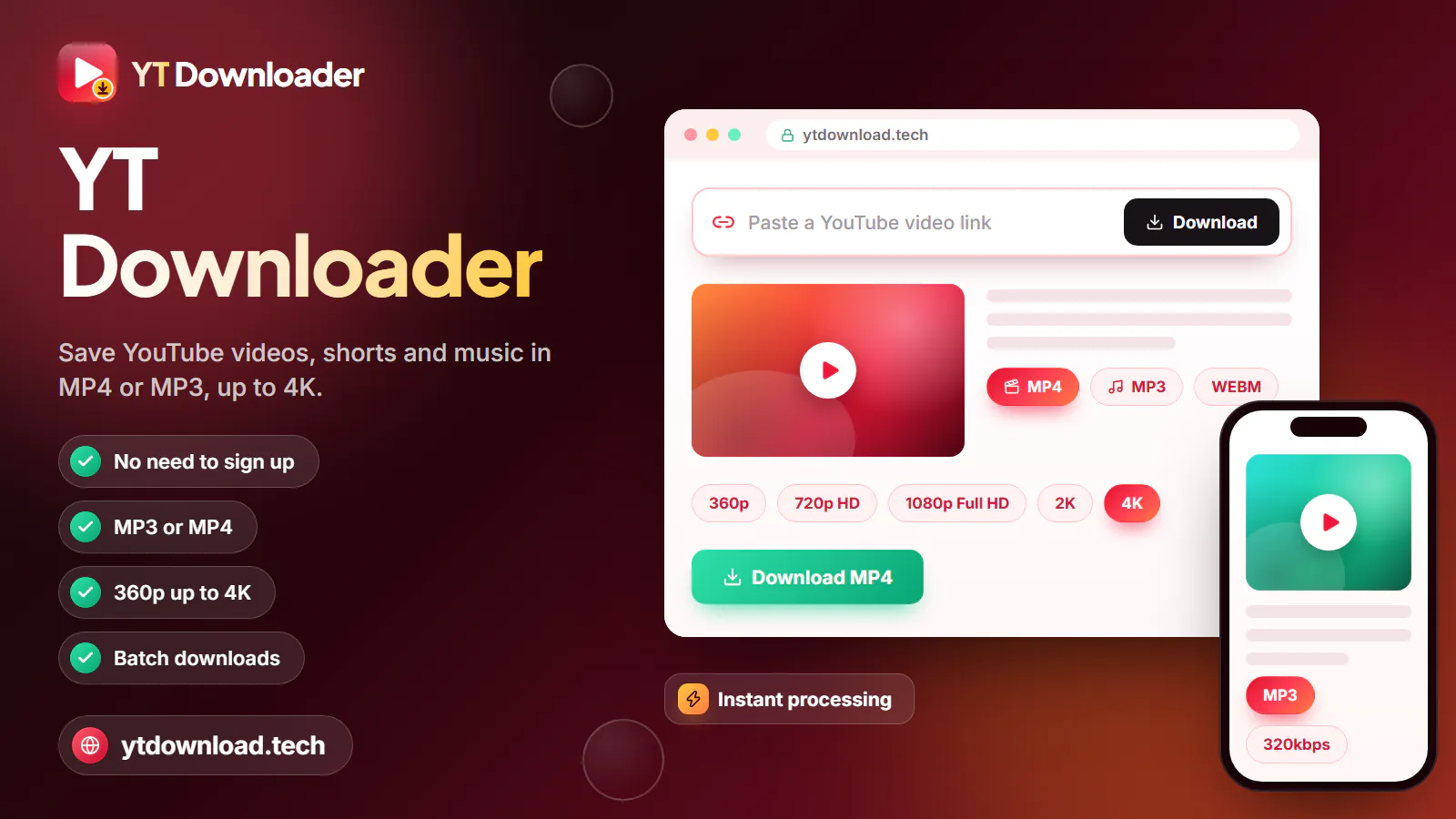
Open this page in Safari, paste the YouTube link, choose MP4 or MP3 and tap Download, then confirm Safari's prompt. The video saves to Files under Downloads, and from there Share, then Save Video, copies it into Photos, the app most people still call the camera roll.
Browser only
If your commute dips underground on the Tube, or your train loses signal in every cutting between stations, a few saved videos make the journey go quicker. Saving them on home Wi-Fi also keeps your mobile data allowance for maps and messages. Here is how to download YouTube videos on iPhone without installing anything. Open this page in Safari, paste the YouTube link, choose MP4 or MP3 and tap Download, then confirm Safari's prompt. The video saves to Files under Downloads, and from there Share, then Save Video, copies it into Photos, the app most people still call the camera roll.
You will not find a dependable YouTube video downloader for iOS in the App Store. Apple's rules do not allow apps that save media from services like YouTube without the rights holder's permission, so the ones that slip through are usually removed, or lose the feature in an update. A browser tool sidesteps that, because Safari has been able to download files on its own since iOS 13.
So this YouTube downloader for iPhone is simply a web page: free, with no account, no email address, no configuration profile and no shortcut to install. MP4 files come in the qualities the video was uploaded in, from 360p to 1080p, with picture and sound in one file, and MP3 audio comes at 128, 192 or 320kbps. One link is saved at a time, and 4K is not offered: a 4K upload is saved at up to 1080p, which still looks crisp on an iPhone screen.
YouTube Premium downloads are a different thing altogether. They play only inside the YouTube app, cannot be moved to Photos or edited, and need the app to reconnect at least every 30 days.
Copying a video you do not own can infringe copyright under UK law, the Copyright, Designs and Patents Act 1988, and YouTube's Terms of Service restrict downloads as well. Stick to your own uploads, Creative Commons or public-domain videos, and clips the creator lets you keep. This is general information, not legal advice. YT Downloader is independent and not affiliated with YouTube, Google or Apple.
How to

Written for current iOS in Safari. A typical video takes about a minute from start to finish; a feature-length one takes a little longer while the file is prepared.
Finding your video
Safari keeps downloads in Files until you move them. These are the places to look and the choices worth knowing.

Files, then Browse, then Downloads. That folder sits in iCloud Drive unless you have switched Safari's download location to On My iPhone in Settings.
Photos replaced the old Camera Roll name, but it is the same place. Share, then Save Video copies the MP4 across, and you can then delete the version in Files.
Roughly 15 to 35 MB a minute at 1080p, 10 to 20 MB at 720p and 5 to 10 MB at 480p. A 45-minute documentary at 720p fits in under a gigabyte.
Save a podcast, lecture or radio show as MP3, or as M4A for the original audio track, and it plays from Files with a tap. MP3 uses about 1 to 2.5 MB a minute.
iPadOS has the same Safari prompt, the same Downloads folder and the same Save Video option, so the steps above work unchanged.
Shorts links work the same way, and the MP4 keeps the tall 9:16 frame so the clip fills the screen in Photos.
Troubleshooting
If something goes wrong on an iPhone, it is almost always one of these six things, and each has a quick fix.
Chrome for iPhone keeps its downloads in a separate Chrome folder inside Files. Share and Save Video still work from there, but Safari is simpler because every file goes to the one Downloads folder.
Safari needs to stay on screen until the file is ready. If the prompt never appears, tap "Not started? Save the file here." below the form; the file is kept for about 10 minutes.
Save Video only appears for a finished MP4. If you see it missing, the file is an MP3 or the download stopped early, so download it again as MP4 at 720p.
Every MP4 from this page carries its sound. Check the silent switch or Action button and the volume, and whether AirPods are still connected in your bag.
Settings, General, iPhone Storage shows what is taking space. Remove the Files copy once a video is in Photos, and empty Recently Deleted afterwards.
On a patchy 4G or 5G connection, a 1080p file can crawl and eat into your allowance. Wait for Wi-Fi at home or work, or choose 480p for a quicker, smaller file.
Questions
Copy the link with Share and Copy link in the YouTube app, then open this page in Safari and paste it. Choose MP4 or MP3, tap Download and confirm Safari's prompt. The file appears in the Files app under Downloads.
First save it as an MP4 using the steps above. Then open Files, go to Downloads, tap the video, tap Share and choose Save Video. It appears in Photos, which is the camera roll on current iPhones.
Yes. Choose MP3 at 128, 192 or 320kbps, or M4A for the original audio track, and the file is saved to Files, where it plays with a tap. Adding an MP3 to the Music app library needs a Mac, or iTunes on a PC, to import and sync it.
No. Safari downloads the file itself, so there is nothing to install. Downloader apps rarely last in the App Store because Apple's rules do not allow them to save YouTube media without permission.
Into the Downloads folder in the Files app. It is in iCloud Drive by default, or under On My iPhone if you changed Safari's download location. Safari's own Downloads list, under the address bar icon, also opens the file.
Yes. The Safari prompt, the Files app and Save Video work exactly as they do on iPhone. With the bigger screen, 1080p is worth the extra space.
It depends on the video. Under the Copyright, Designs and Patents Act 1988, copying a work without permission can infringe copyright, and YouTube's Terms of Service restrict downloads too. Saving your own uploads or Creative Commons and public-domain videos is generally fine; this is not legal advice.
Paste a link in Safari, choose MP4 up to 1080p or MP3, and move the video to Photos for the next train journey. Free and nothing to install.

Updated